Fake Chat Video Maker
Write a conversation and Studio plays it the way the app would: each of your messages typed on the phone’s own keyboard and sent, the other side’s typing dots, then their answer. Export it as an MP4 for TikTok, Reels or YouTube — a text story video with the sound of the keys, if you want it.
Free to write and preview · no watermark · iMessage, WhatsApp, Instagram and 10 more
Four ways a chat can play
The clip at the top is Type & send: your side typed on the keyboard, letter by letter. Three more styles suit other videos:
Open chat
Starts on the app’s list of chats and taps into this one, the way a screen recording would.
Appear
Messages arrive one after another, with typing dots before each reply. Quick, and in every app.
Scroll through
A long thread scrolls past for the chats that do not fit on one screen.
One group chat, on every member’s phone
Give each person in a group their own view and Studio keeps the phones in step. When Sam sends a message, Sam’s phone types it while the others show the typing dots, and it lands on every screen at the same moment. Each phone keeps its own app, model and theme; export them all at once, a clip per phone, all the same length.
Make a group chat on every phone →Sized for where it is going
9:16 for TikTok, Reels and Shorts, or the phone’s own taller shape; 16:9 for YouTube; square or 4:5 for a feed; or a width and height of your own. On a wide screen the app lays itself out across it, as Messenger does here, rather than a phone pasted onto a background.
Write it like a script
Paste a whole conversation as lines of text — Alex: are we still on for the movie — and Studio builds the chat, people and all. A pause, how long a message takes to type, a reaction or a reply goes on the line it belongs to.
Every app, in the phone’s language
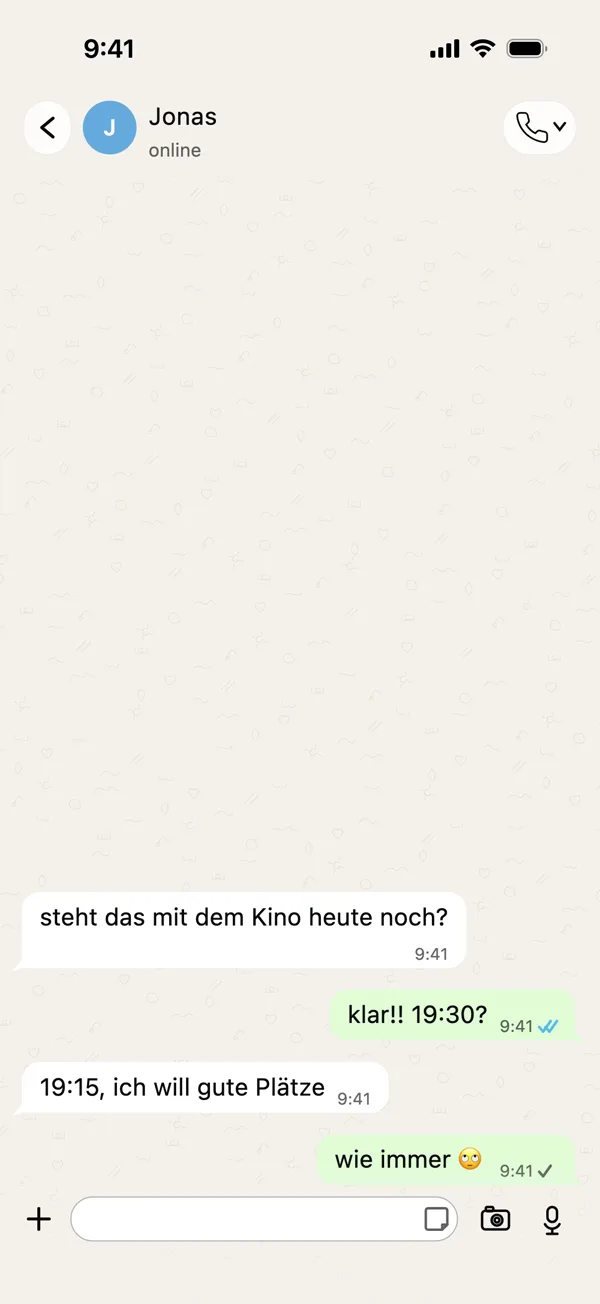
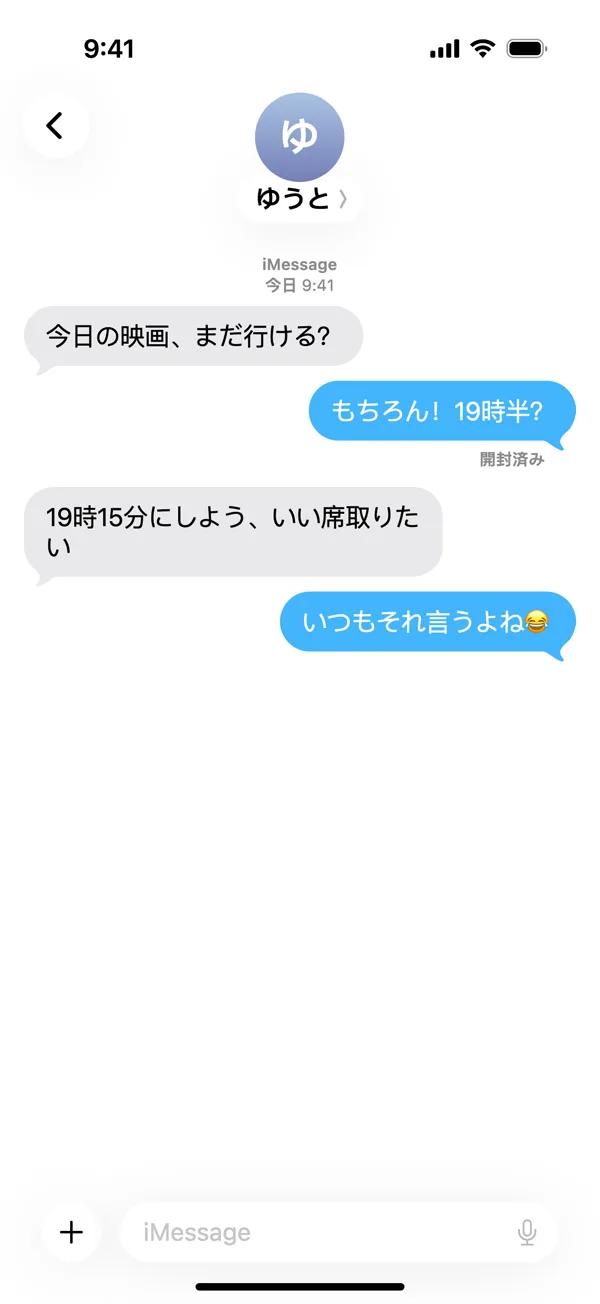
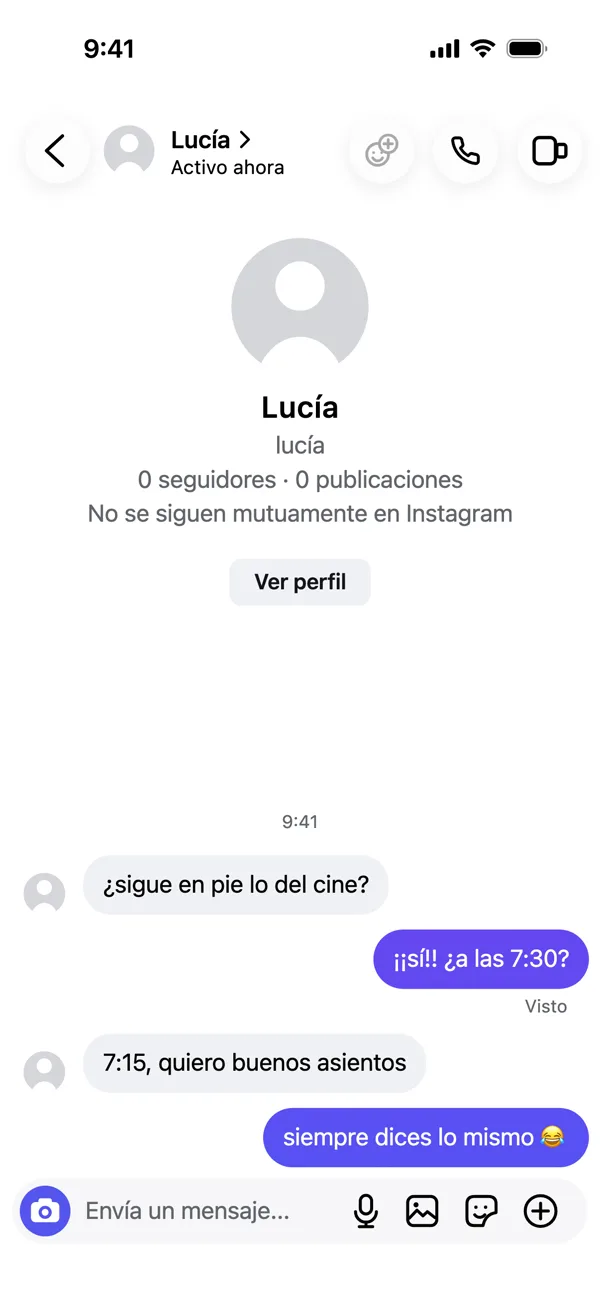
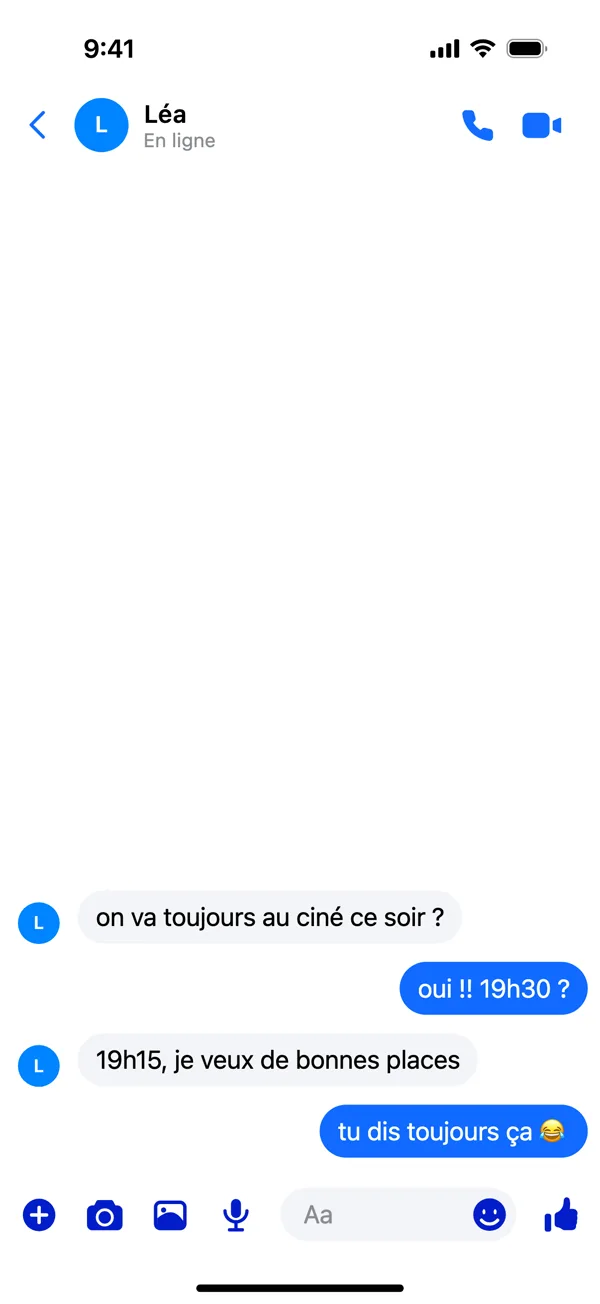
iMessage, WhatsApp, Telegram, Discord, Instagram, Snapchat and Messenger on an iPhone; Google Messages, Telegram, Discord, Instagram, Snapchat and Messenger on Android. Each phone can be set to one of nine languages: the app’s own words change with it, and so does the keyboard a video types on.
How to make a fake chat video
- Write the chat. Open Studio and change the sample chat, or paste your own as a script.
- Pick its look. The app, the phone, light or dark, and one of the four video styles.
- Export. Press Preview to watch it, then Export as MP4, WebM or GIF. Exporting a video is part of Pro.
Studio guides
- Getting started with Pro Studio
Write a chat, pick the app and phone, and export your first screenshot — the whole of Studio in five minutes.
- How to make a fake text message video
Turn a chat into a video that types, sends and answers itself, in any of four styles, and export it as MP4 or GIF.
- How to make a fake group chat, on every phone
Make a group chat, then show it from each member’s phone, side by side and in sync — one video per phone.