Right to left, slanted panels
Manga Panel Templates
Eight blank manga pages read right to left, from a basic six-panel page to slanted action and a 4-koma, to print, draw over or fill in online. Free, no signup.
Printable Manga Page Templates (PDF & PNG)
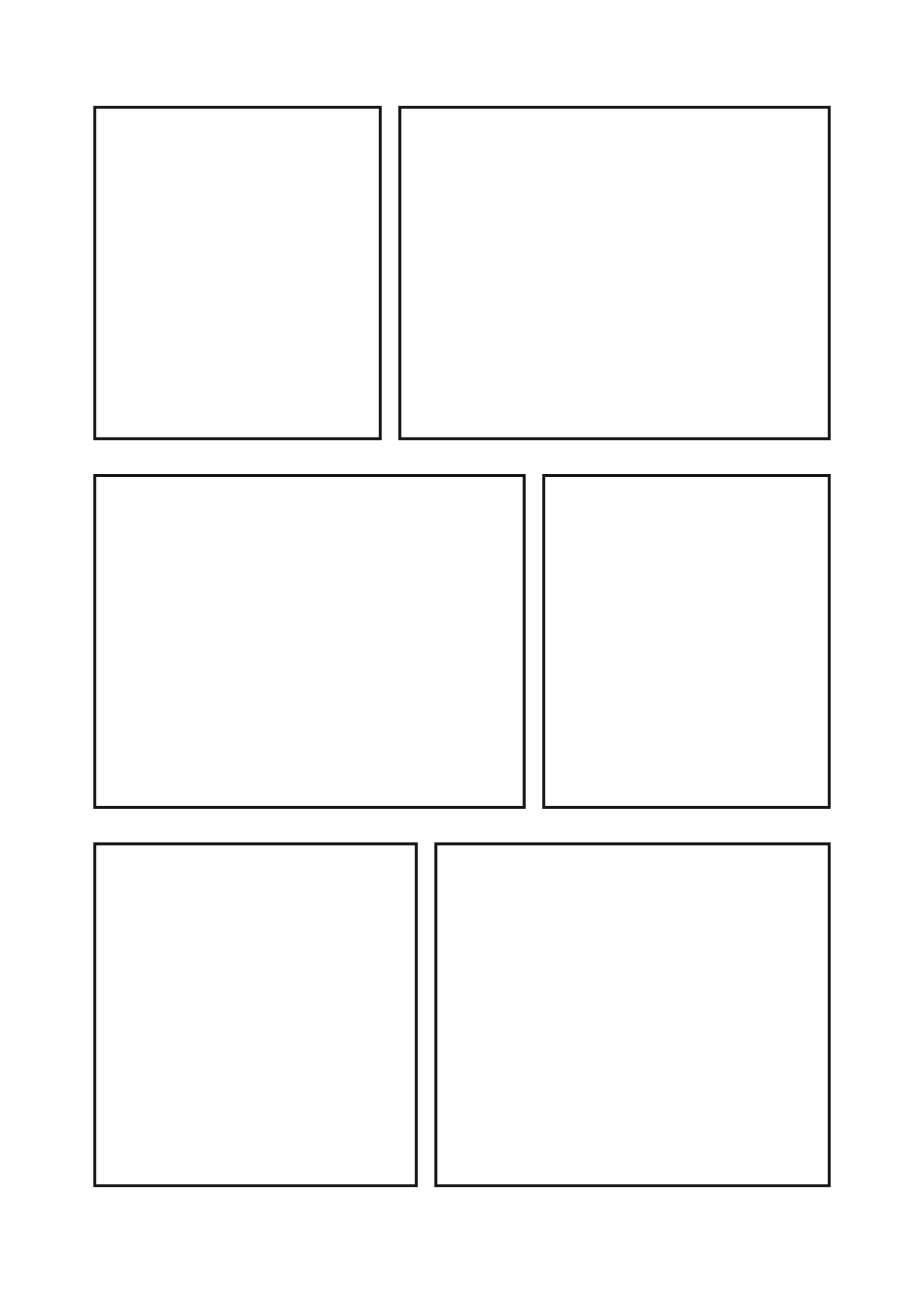
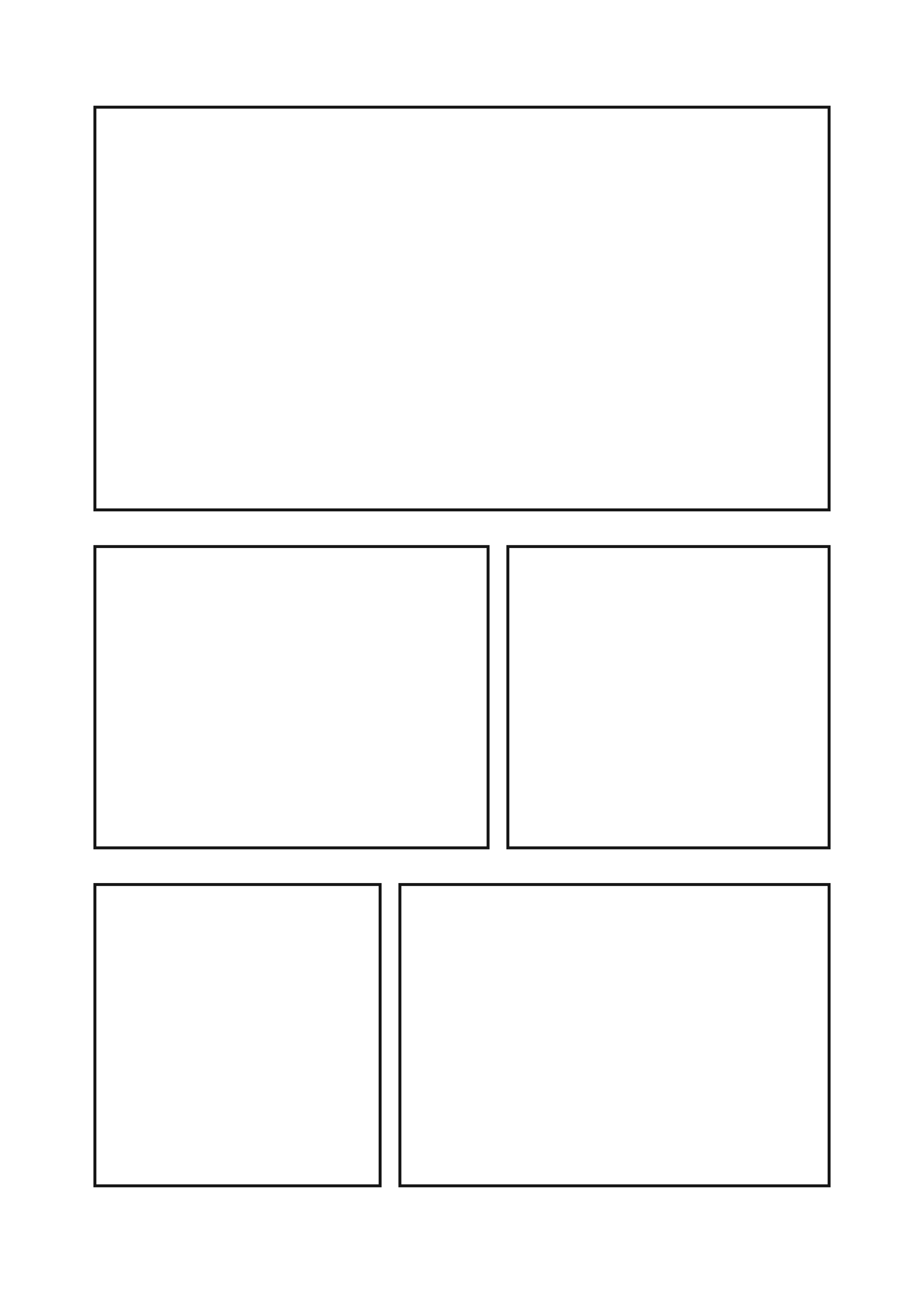
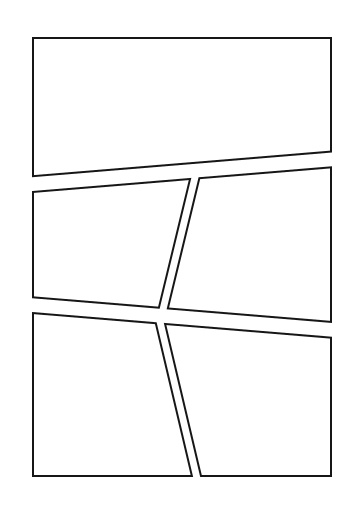
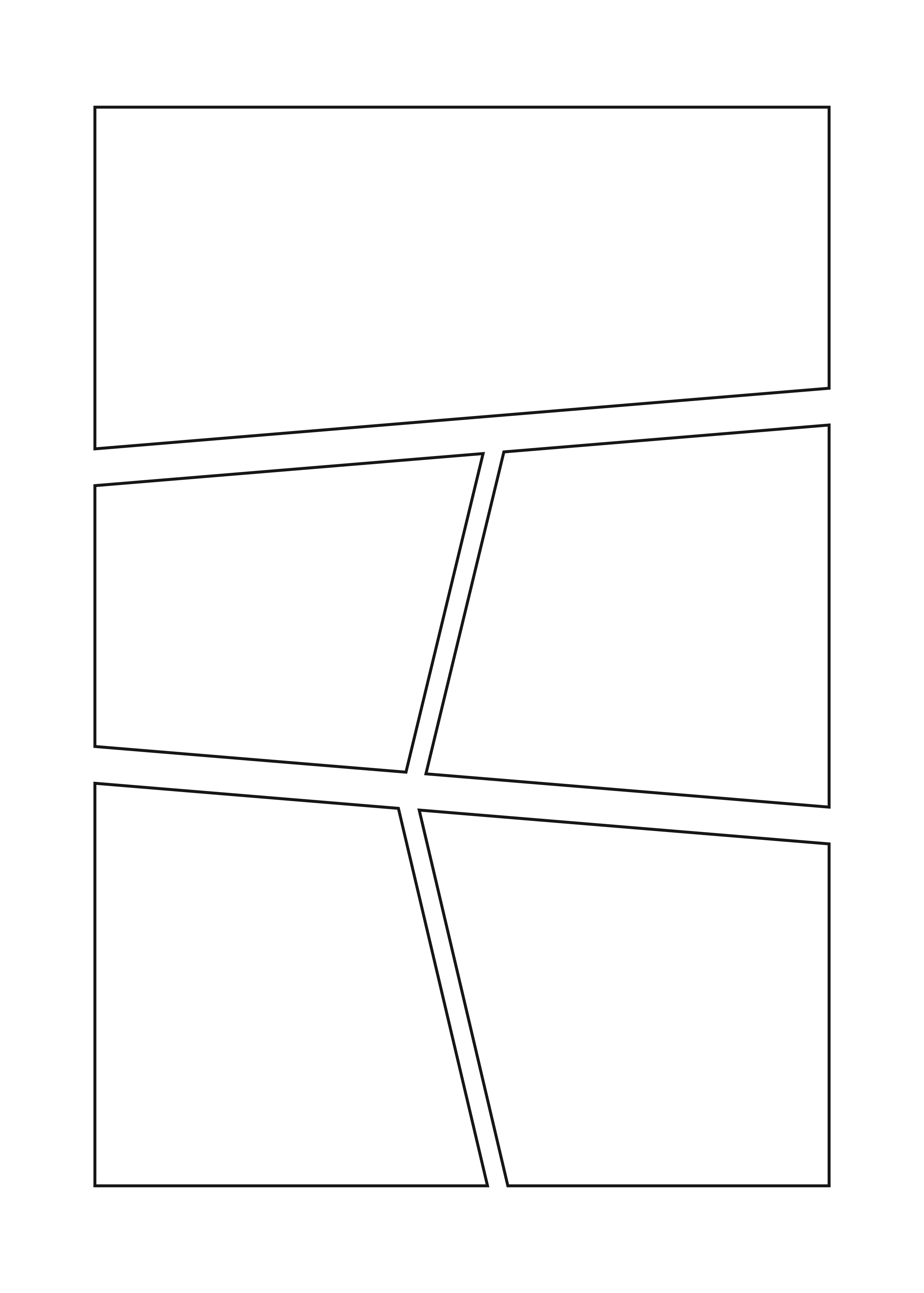
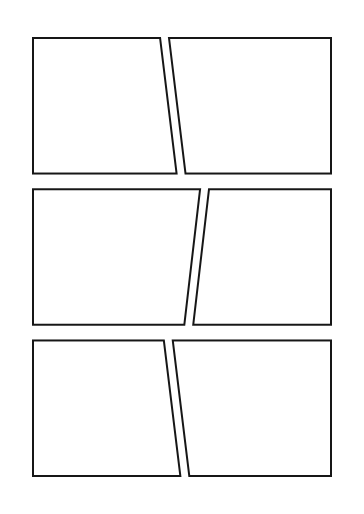
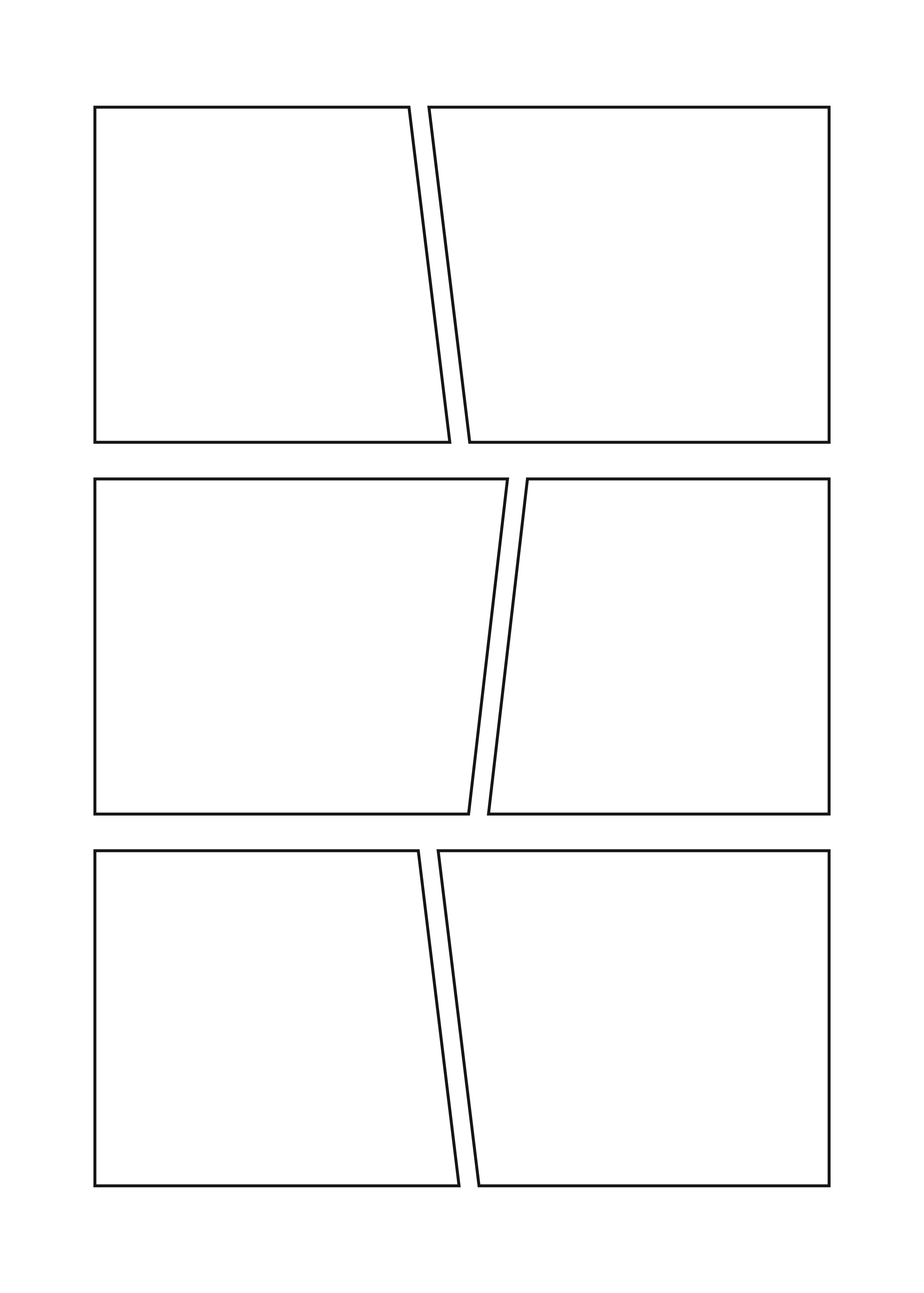
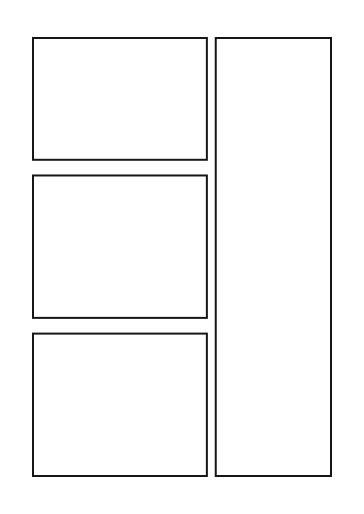
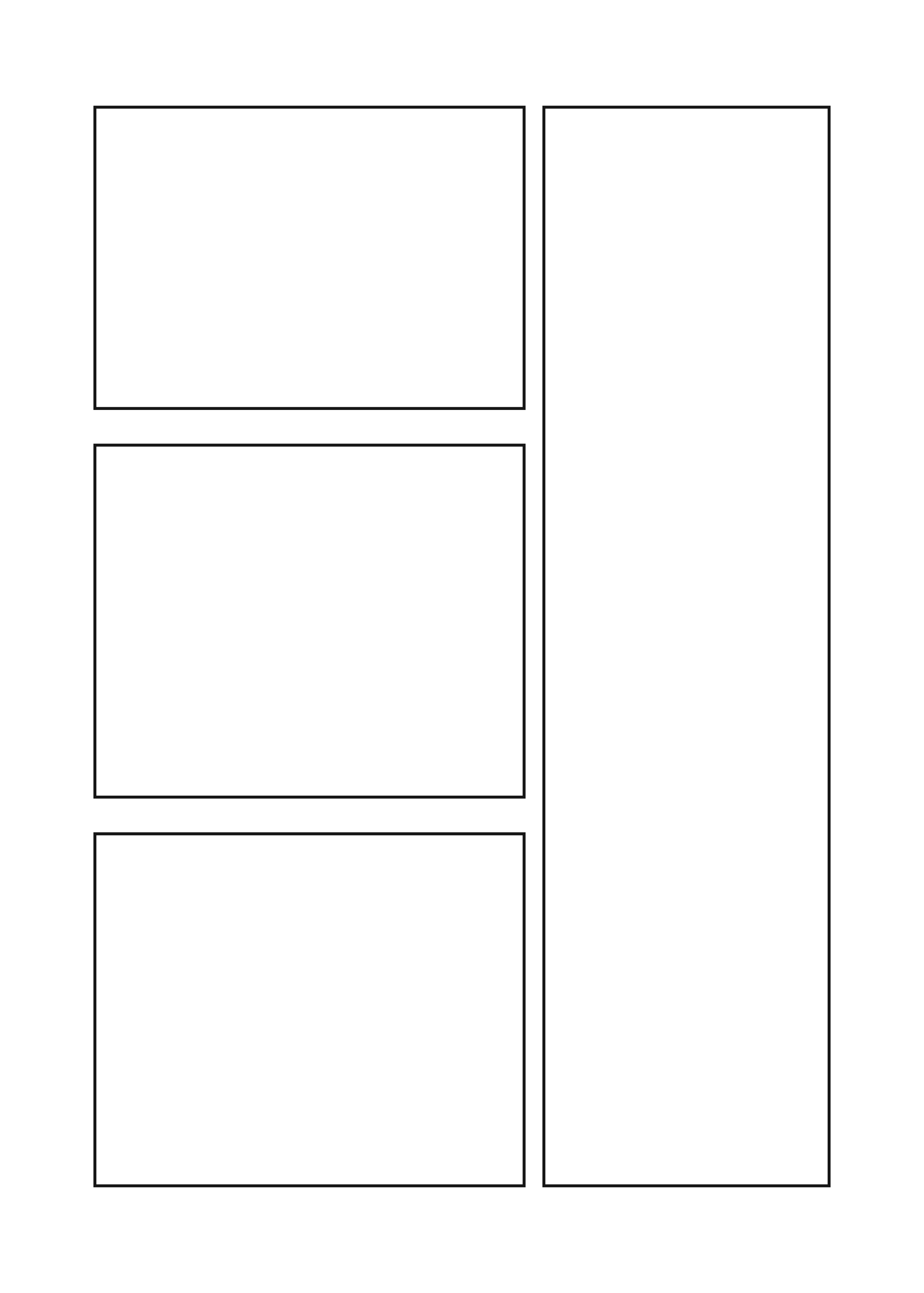
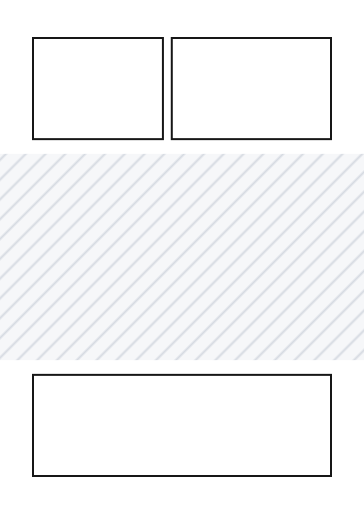
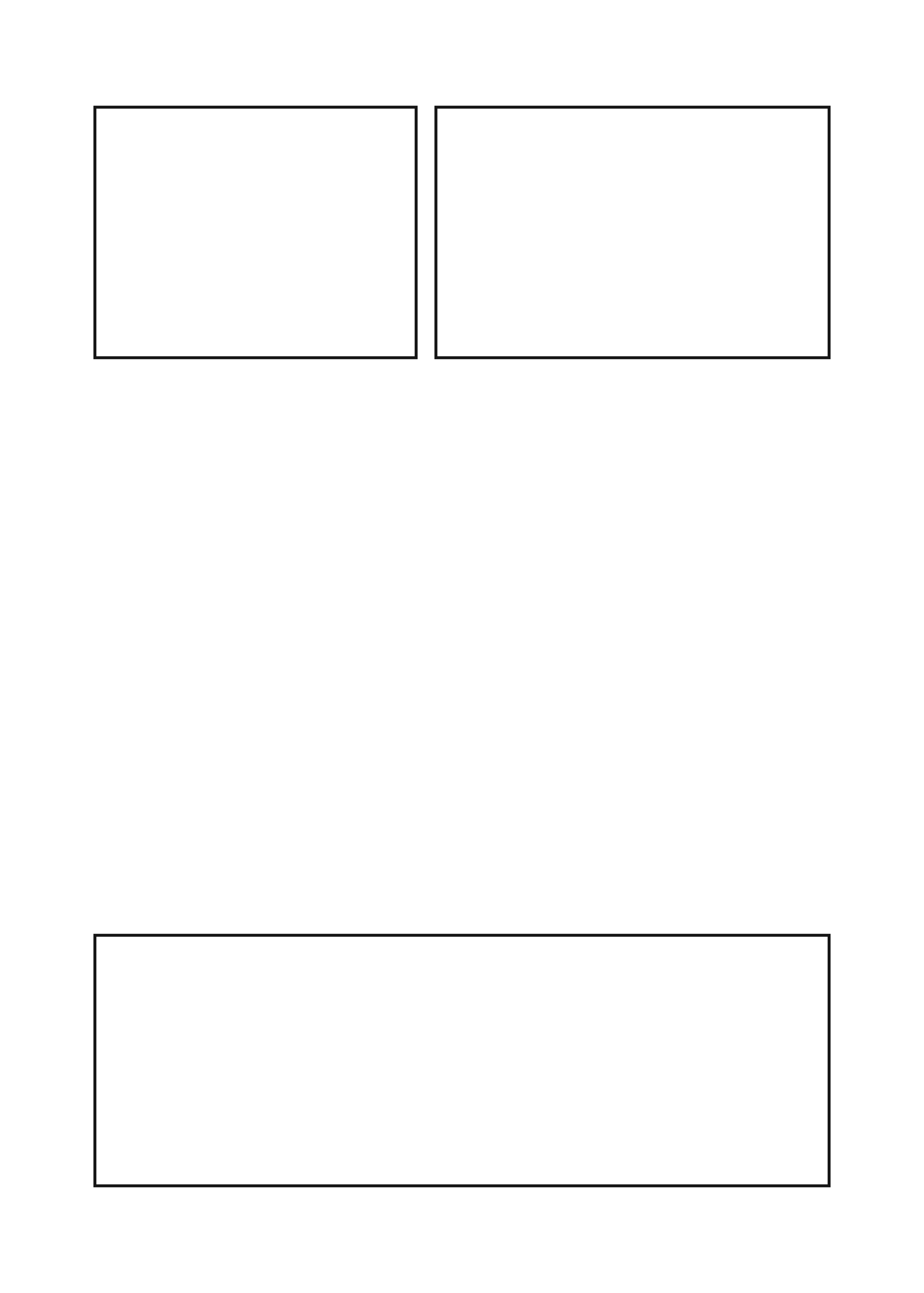
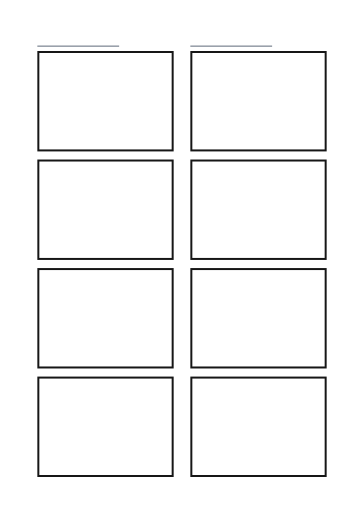
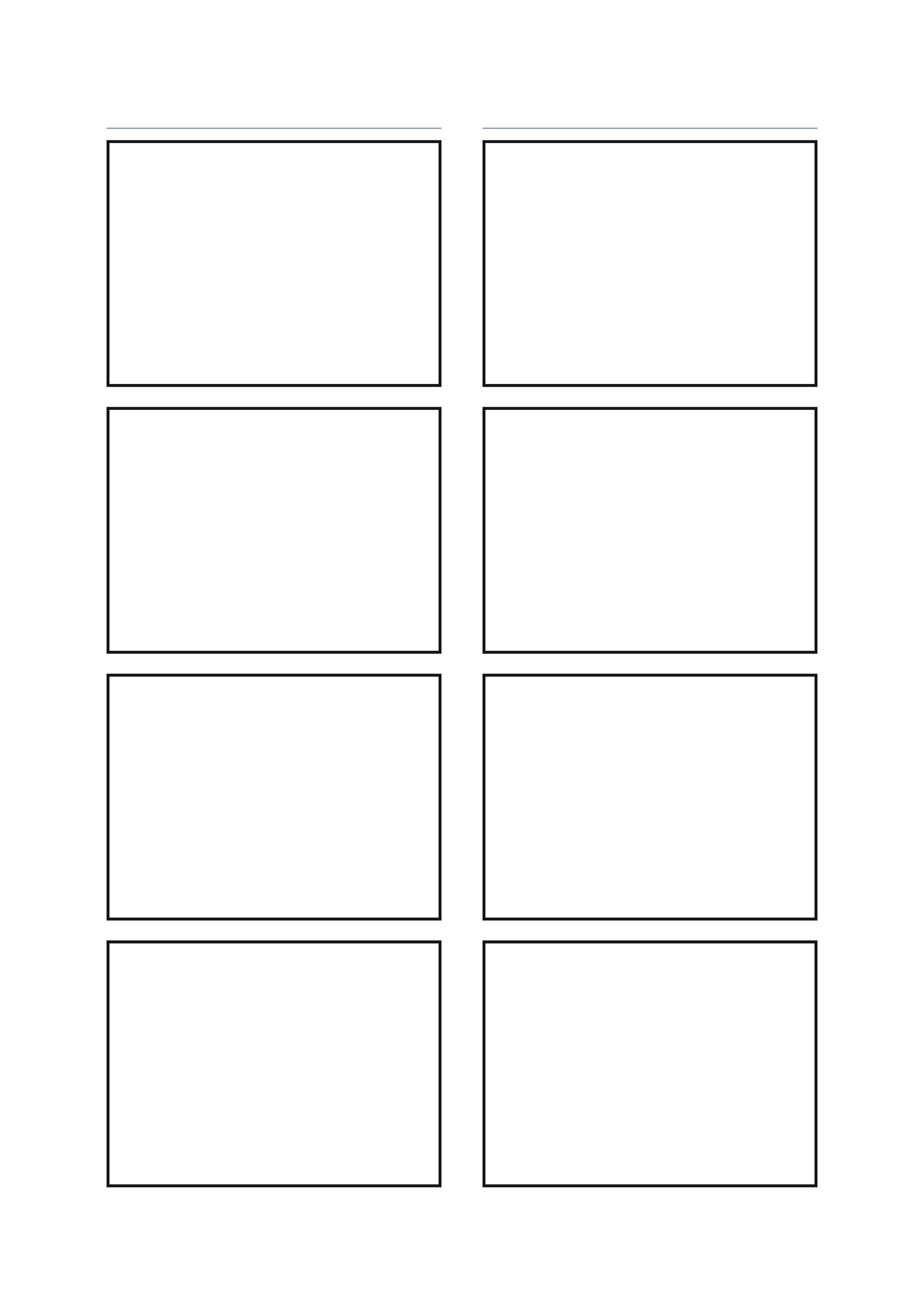
“With guides” files add the bleed, trim and safe-area lines and number the panels in reading order. The PNG is a transparent 350 dpi layer for Clip Studio Paint, Procreate or Ibis Paint.
How to Use a Manga Panel Template
Two ways: print a page or load it into a drawing app and draw on it, or fill it in online with your own pictures and manga speech bubbles.
Print it and draw
- Pick a page above. Clean page has the panels only; With guides adds the trim, bleed and safe-area lines and numbers the panels in reading order.
- A4 and Letter print the B5 page on home paper; B4 is the full-size manuscript page. Print at 100% (actual size).
- Draw the panels from right to left. To draw on a tablet instead, take the PNG: a transparent layer for Clip Studio Paint, Procreate or Ibis Paint.
Fill it in online
- Press Fill in online on a template. The editor below opens with the same panels.
- Pick a panel from the numbered tabs above the picture, then press Upload Photo or keep it blank.
- Press Add Bubble and type what the character says. Drag the bubble and its tail into place. The panels read right to left, the same as on paper.
- Press Download PNG. The whole page downloads as one image, free and without a watermark.
Manga Page Examples
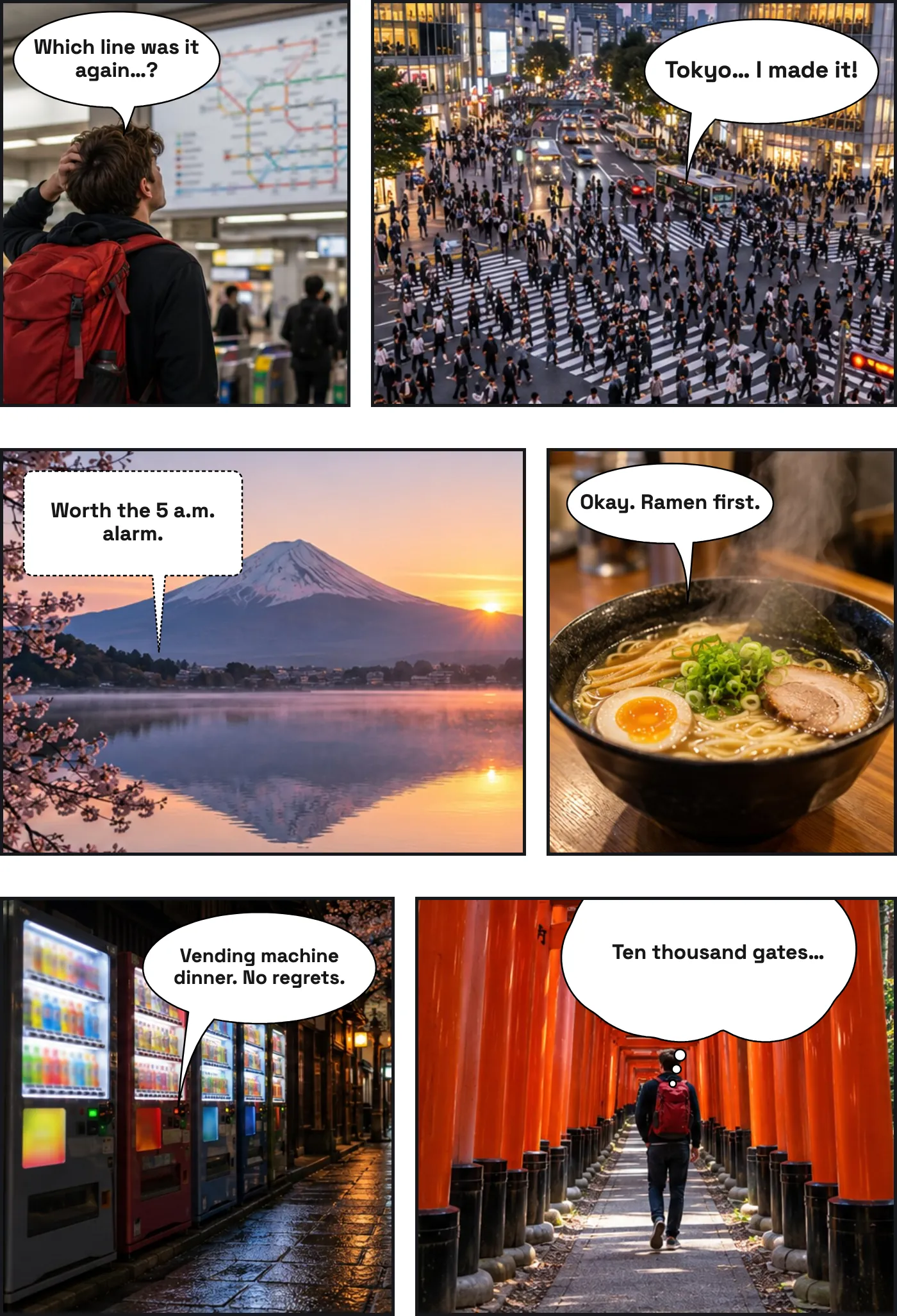
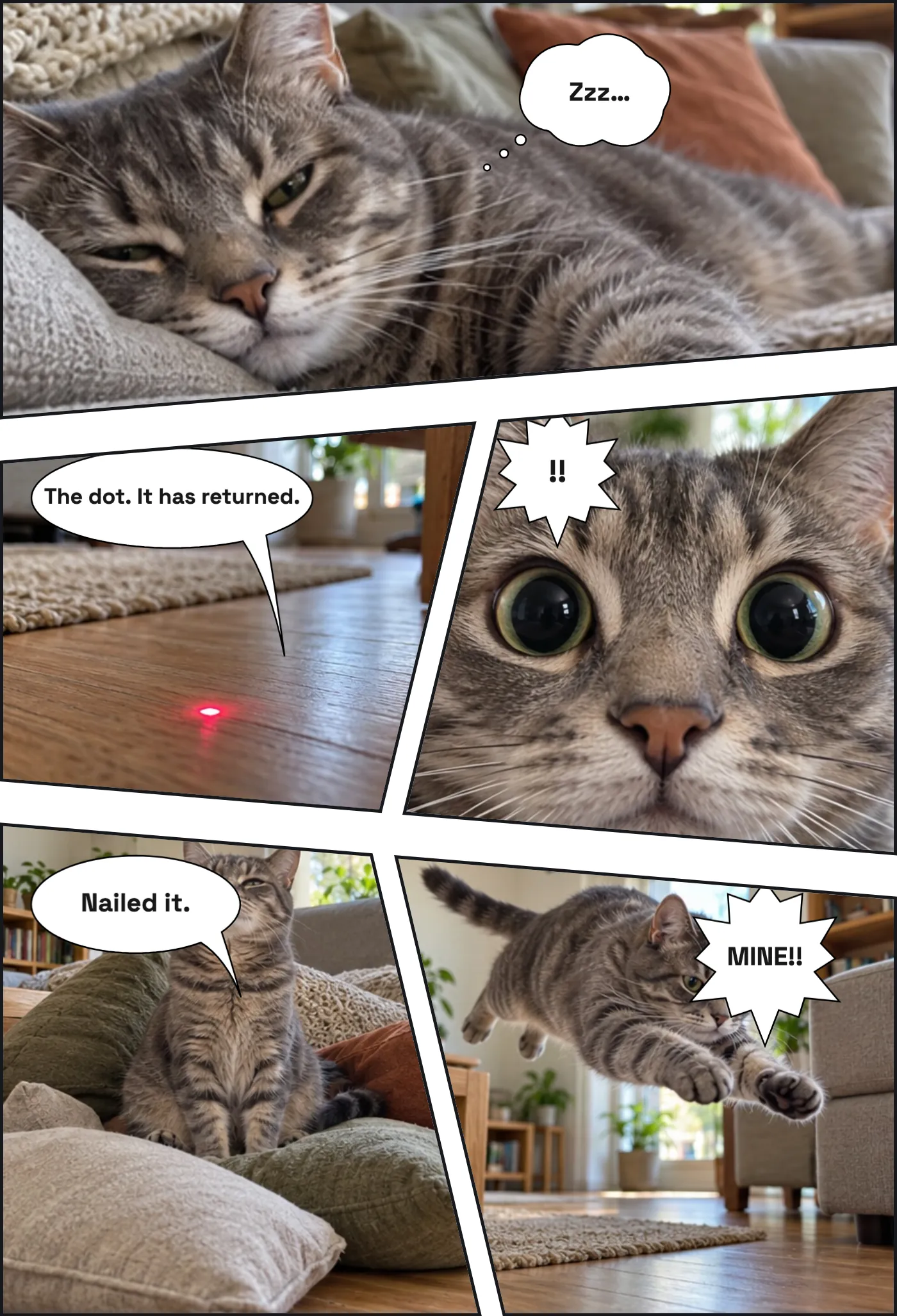
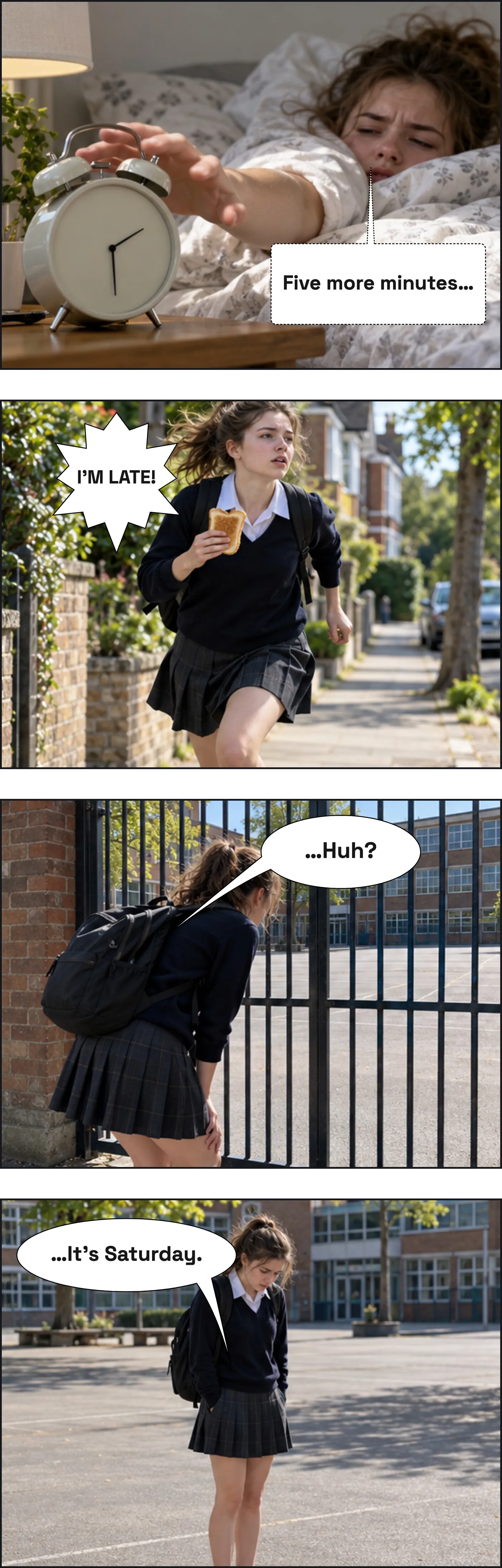
Each page below was made in the editor on this page, on the layout named under it, and reads right to left. Press Fill in this template to start your own.
Fill In a Manga Page Online
The editor opens on the basic six-panel page, read right to left. Press Fill in online on a card to open that page instead. Select a panel, add a photo or keep it blank, and add manga speech bubbles. On a slanted panel the corner the page cuts away is shaded, so your bubbles stay inside it.
Upload a photo
Download the bubble on its own as a transparent PNG, or upload a photo to put it on.
Bubble Style
Text
Font
Size
Colour
Appearance
Comic pages
Manga pages
Reading order
Title
FilledOutlinedOutline Only
Custom colours
Tail Direction
Double-click or double-tap a bubble to type in it. Drag the red dot to aim the tail at the speaker. The handles resize and rotate.
Manga Page Sizes, Bleed and Safe Area
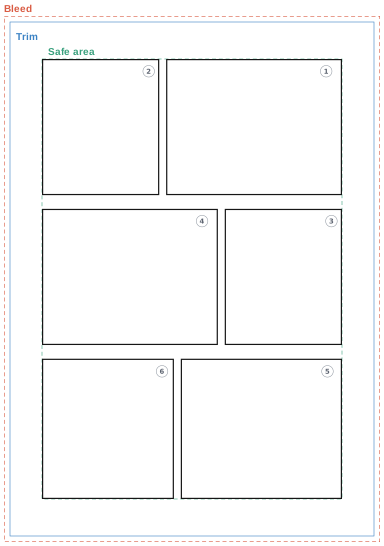
A manga page has three frames. The trim is where the printed page is cut. The bleed is a margin outside it: art meant to reach the edge runs out to it, so a cut a millimetre off never leaves a white sliver. The safe area, the inner frame, is where the panels are drawn; dialogue and anything that must survive the cut stay inside it.
| Size | Trim | Bleed | Safe area |
|---|---|---|---|
| B5 page Doujinshi, practice, school | 182 × 257 mm | 3 mm (188 × 263 mm) | 150 × 220 mm |
| B4 manuscript Contest and magazine submissions | 220 × 310 mm | 5 mm (230 × 320 mm) | 180 × 270 mm |
Print the B5 files at 100% on A4 or Letter: the whole page, bleed included, fits on the sheet. The B4 file is the size Japanese contests and magazines ask for, drawn on B4 manuscript paper; on A4 or Letter it prints scaled down. Before you submit or send a book to print, check the publisher’s or printer’s own numbers: bleed varies from 3 mm to 5 mm and more.
Reading Manga Right to Left
Manga starts at the top right. Read the top row from right to left, drop to the next row, and read it the same way. Speech bubbles inside a panel follow the same order: the one furthest right and highest is read first. A manga book opens from what an English reader thinks of as the back, so the first page of a story is a left-hand page.
The panel dividers of neighbouring rows should not line up. When they do, the eye cannot tell whether to read across the row or down the column, which is why the dividers move from row to row in every template here. A 4-koma is the exception that proves the rule: four panels in a column, read top to bottom, and when two strips share a page, the right one comes first.
In the editor, Reading order sets the direction for any page or strip, so a left-to-right comic page can be flipped for a manga reader. For balloon shapes that read as manga, use the manga speech bubble generator or the anime speech bubble maker.
When to Use Slanted Panels
Level rows and upright dividers are the quiet page, the one most of a manga is made of. Leaning only the dividers between panels, with the rows level, keeps a page calm while giving it some movement: the dialogue page does that. Leaning the rows as well is the action page, for a fight, a fall or an entrance; the slanted action page leans every line.
Use slants sparingly. A page where every line leans tires the eye, and a slant means most when the pages around it are level. These templates are a place to start, to practise and to find ideas; the best layout for your story is the one you end up drawing yourself.
More tools:
Frequently Asked Questions
Are the manga panel templates free?
Yes. Every PDF and PNG on this page is free to download and print, with no signup and no watermark, for personal and classroom use.
Can I print a manga template on A4 or Letter paper?
Yes. Download the B5 on A4 or B5 on Letter file and print at 100% (actual size). The whole B5 page, bleed included, fits on the sheet. The B4 manuscript page is larger than A4 and Letter; printed on them it is scaled down, which is fine for practice.
What do the bleed, trim and safe area lines mean?
Trim is where a printed page is cut. Bleed is the extra margin outside it: art meant to reach the edge of the page runs out to the bleed line, so the cut never leaves a white sliver. The safe area is the inner frame: panels are drawn to it, and dialogue and anything the cut must not touch stay inside it.
In what order are the panels read?
Right to left, then top to bottom: start at the top right panel, read the row toward the left, then drop to the next row. Speech bubbles inside a panel follow the same order. The guides versions number every panel so you can check.
How do I use the templates in Clip Studio Paint, Procreate or Ibis Paint?
Download the transparent PNG. It is the B5 page with its bleed at 350 dpi, the resolution recorded in the file, so it imports at size. Put it on its own layer above your drawing, or use the panel lines as a guide and draw your own.
Can I fill in a manga template online?
Yes. Press Fill in online on a card and the editor below opens the same page, right to left, slanted panels included. Add a photo or a blank background to each panel, add manga speech bubbles, and download the page as one PNG. It is free.
Can I photocopy the templates for my class?
Yes. Print or copy as many as your own class needs. Selling the blank templates is not allowed; see the licence page for the details.