Free Customizable Chat Bubble Generator
Every template is free — no signup, no paywall, no watermark.


Upload a screenshot, or mock up a conversation first
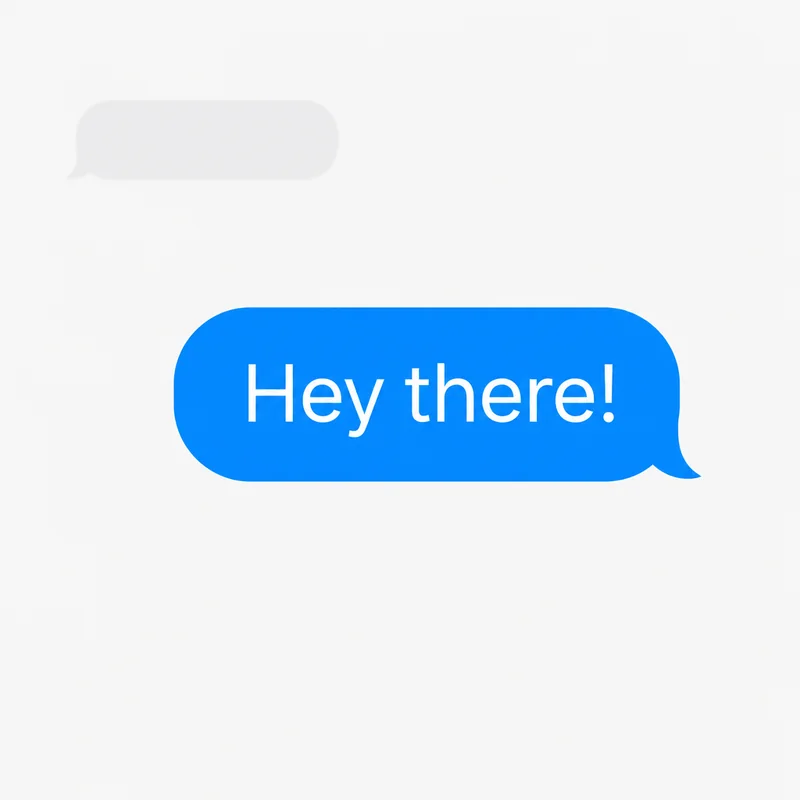
The default preview shows a two-message exchange so the chat layout is obvious before you add your own image.
Text
Font
Appearance
Tail Direction
Bubble Style
Double-click or double-tap a bubble to type in it. Drag the red dot to aim the tail at the speaker. The handles resize and rotate.
Customize colors, font, size, and tail for an iMessage, WhatsApp, or Messenger look, then download a transparent PNG instantly.
Make a Custom TikTok Chat Bubble
TikTok lets you replace the bubble your DMs sit in with a picture of your own. You need one square, transparent PNG — which is what this editor makes. Design it here, or start from the TikTok chat bubble maker, where the canvas is already square and nothing needs setting up.
- Design the bubblePick a shape, set the fill and outline, add text if you want any. Set the canvas to 1:1 in the toolbar so nothing important sits near an edge TikTok might crop.
- Download the transparent PNGLeave the background transparent so the bubble sits on the chat rather than in a visible box.
- Set it in TikTokUpdate the app, open any chat, tap the three dots at the top right, choose Chat bubble, and upload the PNG. If the option is not there, the feature has not reached your account yet — it did not roll out to everyone at once.
TikTok publishes no required image size and scales whatever you give it, so nothing is claimed here beyond a large square transparent PNG.
Free Customizable Chat Bubble Templates (PNG)
Grab a blank customizable chat bubble as a transparent PNG — one click, no signup, and no template locked behind a paywall. They cover iMessage blue and gray, WhatsApp green, plus blank, outline, and dark. Want a different look (Messenger blue, your brand color, custom text)? Open any of them in the editor above and recolor in seconds.
✓ 100% free ✓ No signup ✓ No watermark ✓ Instant PNG download
Use a template to edit its text and colors above. It replaces the sample, or adds a bubble to your existing work without clearing it.
Want the glossy 3D aesthetic look (glassy pink, celestial, y2k) that's trending on TikTok? Those are free too — see the aesthetic speech bubble PNGs, no signup or paywall. Or browse the full PNG library.
What People Build with Chat Bubbles
Fake Text Conversations
Want a full fake chat screenshot instead of single bubbles? The fake text message generator builds a whole conversation — both sides, blue/green, light/dark — as one iPhone-style PNG. Or alternate left/right tail bubbles here to overlay on a photo.
UI Mockups & Design Demos
Need chat screenshots for a pitch deck, wireframe, or portfolio? Create clean conversation layouts and export as PNG. Import directly into Figma, Canva, Keynote, or PowerPoint.
Social Media & Memes
Overlay chat bubbles on photos for "conversation over image" formats. Popular on Instagram Stories, TikTok, and Twitter. For the viral speech bubbling format, try the Reddit meme maker.
Match Your Favorite Messaging App
Use Custom Colors in the editor to match these popular styles:
iMessage
Blue (#007AFF) for iMessage sent, green (#34C759) for SMS sent, light gray (#E5E5EA) for received.
Light green (#DCF8C6) for sent, white for received. Teal (#075E54) accent.
Messenger
Blue (#0084FF) for sent, light gray (#E4E6EB) for received.
Try other styles: