Printable PDF templates
Comic Strip Templates
Blank comic strips with 2 to 6 panels to print on A4 or Letter, plain or lined for writing, or to fill in online with photos and speech bubbles. Free, no signup.
Printable Comic Strip Templates (PDF)
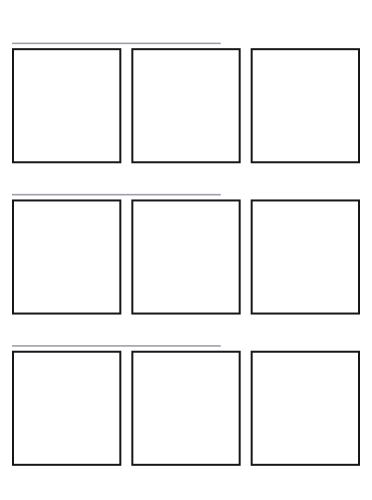
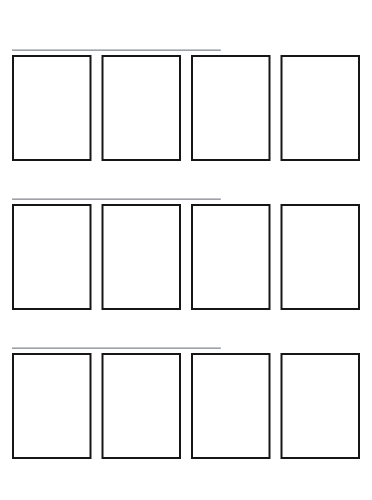
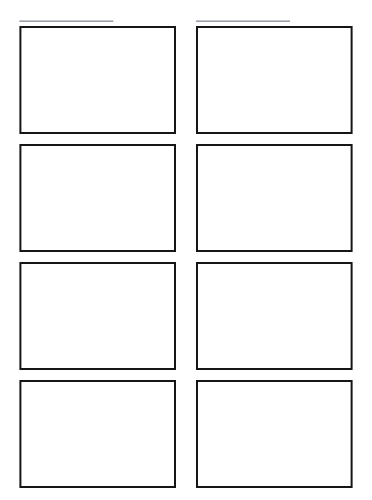
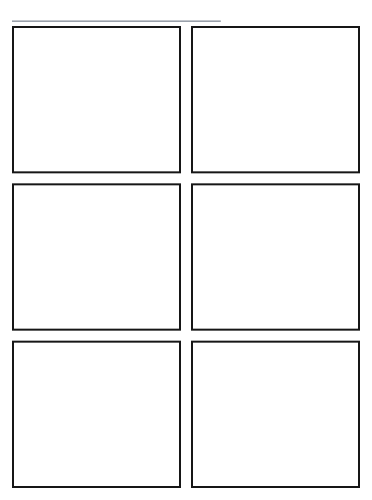
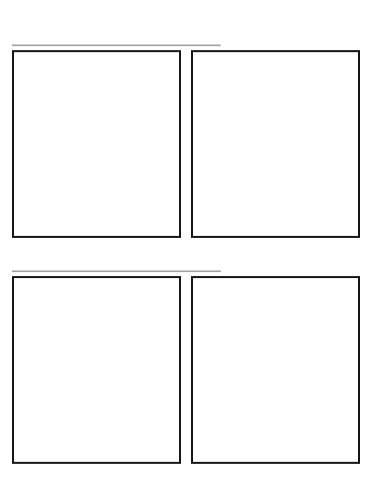
Each sheet holds as many strips as fit the page, with a title line over every strip. The lined versions add writing lines in each panel.
How to Use a Comic Strip Template
Two ways: print a template and draw on it, or fill it in online with your own photos and speech bubbles.
Print it and draw
- Pick a template above and press A4 or Letter. The PDF downloads straight away.
- Print it at 100% (actual size). Each sheet holds several strips, each with a title line.
- Sketch every panel in pencil, then write the dialogue. The lined sheets have writing lines in each panel.
Fill it in online
- Press Fill in online on a template. The editor below opens with the same panels.
- Pick a panel from the numbered tabs above the picture, then press Upload Photo or keep it blank.
- Press Add Bubble and type what the character says. Drag the bubble and its tail into place.
- Press Download PNG. The whole strip downloads as one image, free and without a watermark.
Comic Strip Template Examples
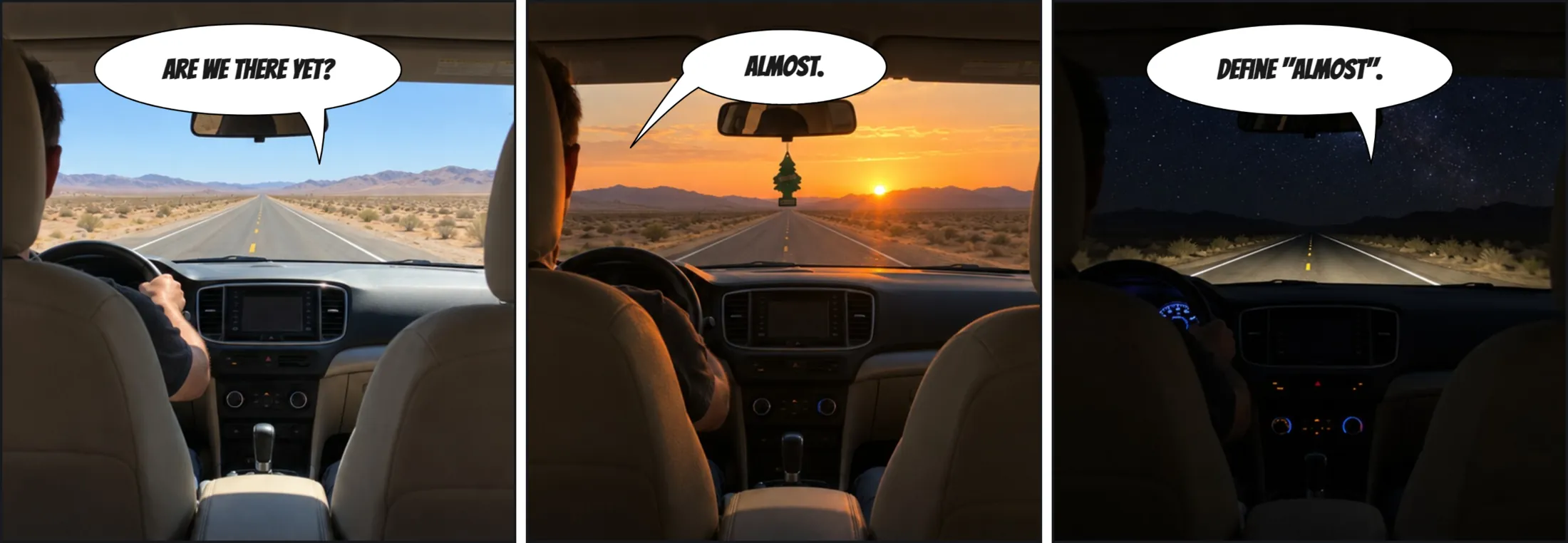
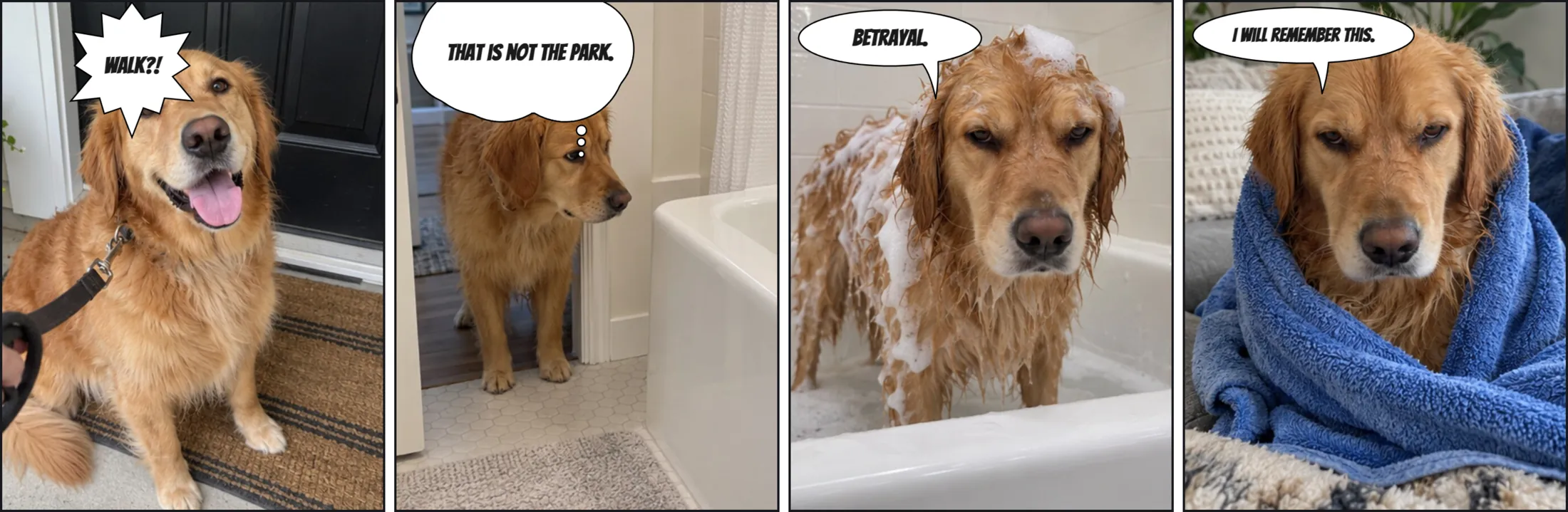
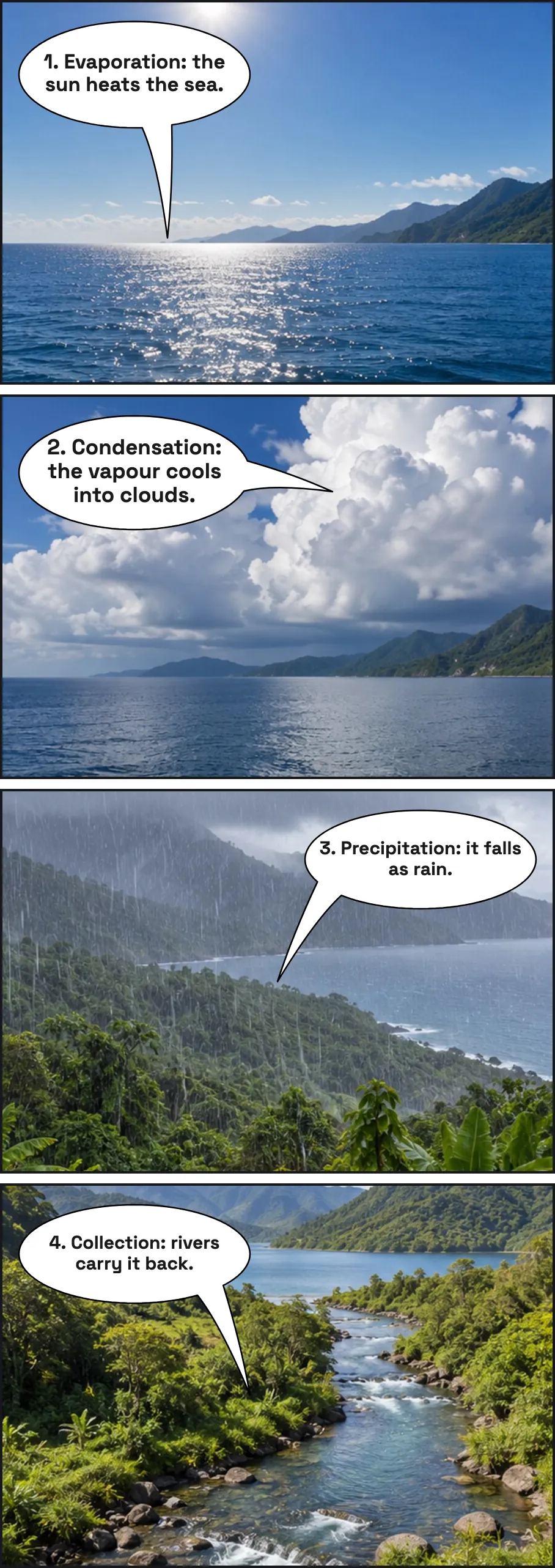
Each strip below was made in the editor on this page, on the template named under it. Press Fill in this template to start your own.

Fill In a Comic Strip Online
Press Fill in online on a card and the editor opens with that strip. Select a panel, add a photo or keep it blank, type the dialogue, and download the whole strip as one image. Strips up to six panels are free.
Upload a photo
Download the bubble on its own as a transparent PNG, or upload a photo to put it on.
Bubble Style
Text
Font
Size
Colour
Appearance
Comic pages
Manga pages
Reading order
Title
FilledOutlinedOutline Only
Custom colours
Tail Direction
Double-click or double-tap a bubble to type in it. Drag the red dot to aim the tail at the speaker. The handles resize and rotate.
Tips for Writing a Comic Strip
Tip 1
Choose the panel count
Two panels for a setup and a reaction, three for a gag, four for a story with a turn, six for a short scene.
Tip 2
Write the words first
Write what each character says before you draw. Short lines read best: a dozen words or fewer to a bubble.
Tip 3
Fill the panels
Sketch each scene in pencil and leave room at the top for the bubbles before you draw the details.
Tip 4
Read it through
Read the strip from the first panel to the last. If the joke lands a panel early, cut a panel.
Which Template for Which Story
A 2-panel strip is a setup and its answer: a question and a look, a plan and how it went. A 3-panel strip is the classic newspaper gag: setup, turn, payoff. A 4-panel strip gives the turn a beat of its own; read as a vertical column it is the Japanese yonkoma, built on introduction, development, twist and conclusion. The 6-panel strip is a short scene with a beginning, a pause and an ending.
Start with fewer panels than you think you need. A panel that only repeats the one before it slows the joke down. The guide to comic strip layouts walks through each one with examples, and for a whole page of panels of different sizes, use the comic book page templates.
Comic Strip Templates in the Classroom
A strip is a small, finished piece of writing, which is why teachers use it. Students retell a chapter of a book in four panels, summarise a history event in three, practise dialogue and punctuation in speech bubbles, or show a new word used in context. The lined sheets give younger writers lines to keep their words straight.
For a class without printers, the editor works on a school Chromebook or a phone: students fill a strip online and hand in the PNG. For speech bubbles to cut out and glue, print the speech bubble templates.
More tools:
Frequently Asked Questions
Are these comic strip templates free to print?
Yes. Every PDF on this page is free to download and print, with no signup and no watermark. They are free for personal and classroom use: print as many copies as your own class needs.
Is a comic book strip template the same as a comic strip template?
Yes. Comic strip, comic book strip and cartoon strip templates all mean the same thing: one row or column of empty panels for a gag or a short scene. For a whole page of panels in different sizes, use the comic book page templates instead.
Should I print A4 or Letter?
Pick the paper your printer holds: A4 in most of the world, Letter in the US and Canada. Print at 100% (actual size). Each sheet keeps a margin all round, so nothing is cut off by a home printer.
What is the lined version for?
The lined sheets add light writing lines across the lower part of every panel, for students who write their dialogue or a caption by hand. The plain sheets leave the whole panel for drawing.
Can I fill in a comic strip template online?
Yes. Press Fill in online on any card and the editor below opens with the same panels. Add a photo or a blank background to each panel, type the dialogue in speech bubbles, and download the strip as one PNG.
How many panels are free in the online editor?
All of them. Strips of two to six panels and the comic page layouts are free to make and download, with no watermark. Pro adds 2× and 4K exports for print, the individual panels as a zip, bubble animations and a commercial licence.
Can I use the templates for commercial work?
The templates are free for personal and classroom use. Selling a comic you drew on them is your own work; selling the blank templates themselves is not allowed. Commercial use of what you export from the editor comes with Pro. See the licence page for the details.