Free speech bubble maker
Speech Bubble Maker
Upload a photo, add a speech bubble with your text in it, and download a PNG. No signup, no watermark, works on mobile.
Upload a photo — or skip it and download the bubble on its own
No photo needed: type your text, pick a style, and download a transparent PNG you can drop onto anything.
Bubble Style
Text
Font
Appearance
Tail Direction
Double-click or double-tap a bubble to type in it. Drag the red dot to aim the tail at the speaker. The handles resize and rotate.


Need the photo workflow? Add a speech bubble to a photo. Just want plain captions? Try the text bubble generator.
11 Speech Bubble Styles
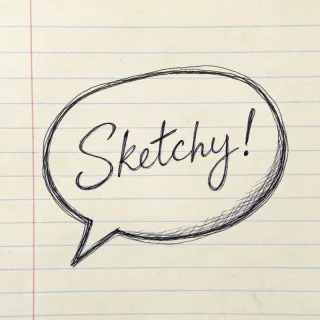
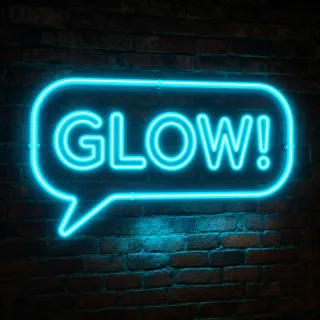
Each style draws differently on your photo. Pick the one that fits your project — from Reddit memes to neon effects.
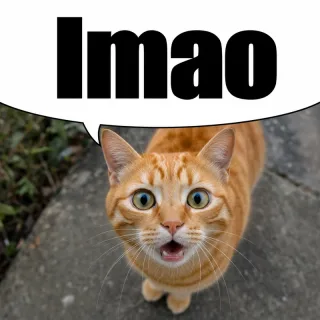
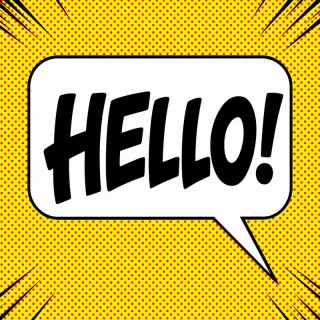
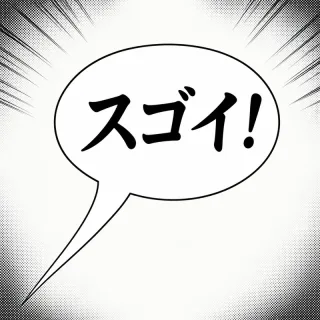
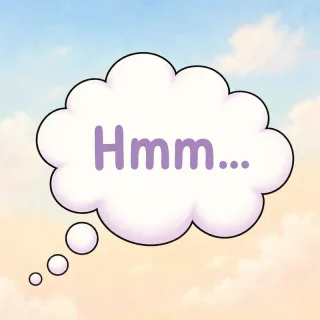
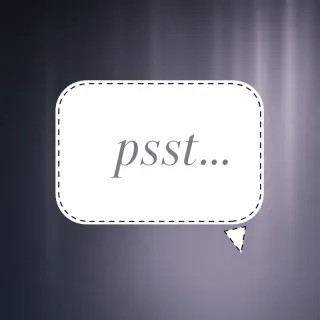
A speech bubble — also called a speech balloon — is an outlined shape holding a character's words, joined to the speaker by a pointed tail. Its outline is not decoration: a solid line is speech, a cloud with trailing circles is unspoken thought, a jagged burst is a shout, and a dashed edge is a whisper. Those conventions are long-standing in comics and are what the eleven styles below draw. The download is a PNG with a real alpha channel, so a bubble on its own drops onto any background with nothing showing behind it. Our guide to the 12 types explains each shape in full.

How to Add a Speech Bubble to a Photo
Upload a Photo
Click "Upload Photo" to load any image — meme templates, selfies, screenshots, or artwork.
Pick a Style & Add Text
Choose from 11 bubble styles. Drag to position, resize, type your text, and tweak colors.
Download PNG
Hit "Download PNG" — full resolution, no watermark, ready to post or print.
Text Bubbles for Memes, Comics & Chat Screenshots
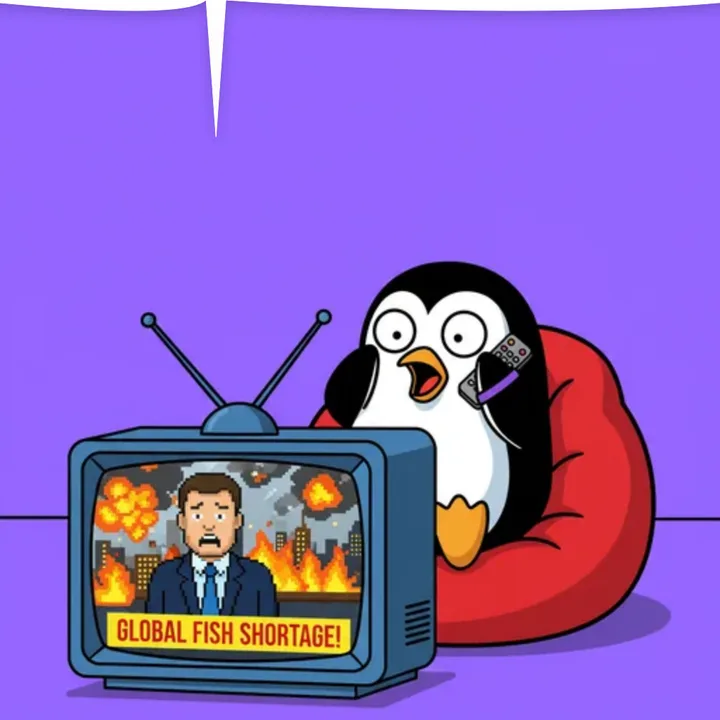 Memes & Reaction Images Add empty or text-filled speech bubbles to photos for Discord, Reddit, and social media.
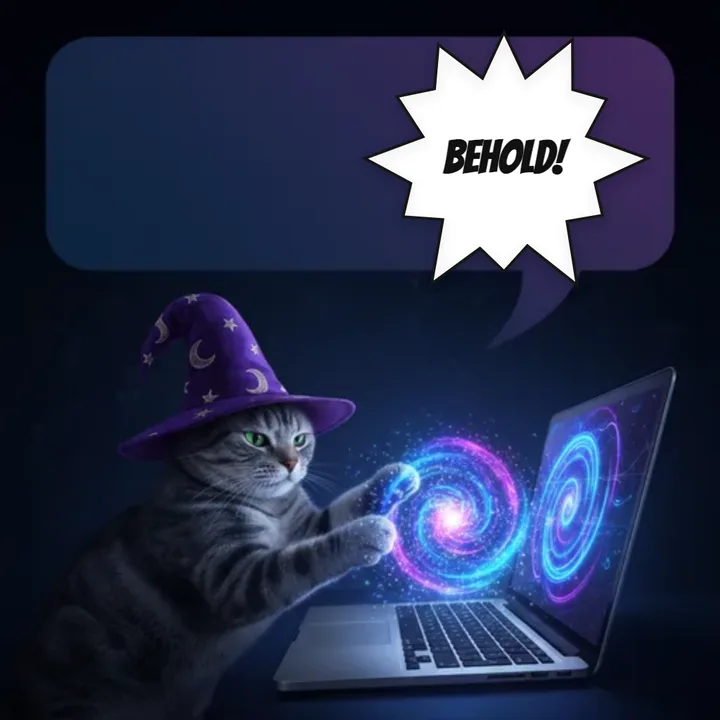 Comic Strips & Manga Turn photos into comic panels with classic, shout, and thought bubbles.
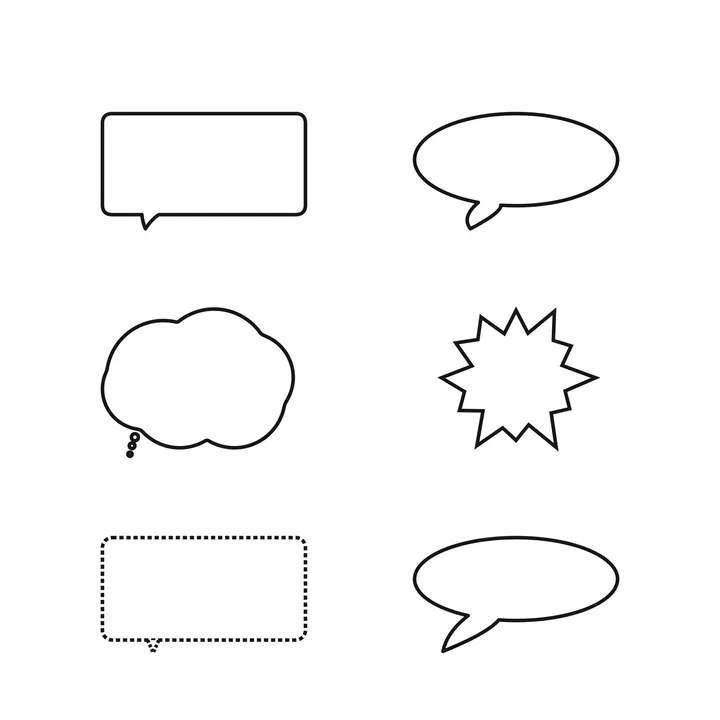 Education & Presentations Make worksheets, slides, and infographics more engaging with speech bubbles.
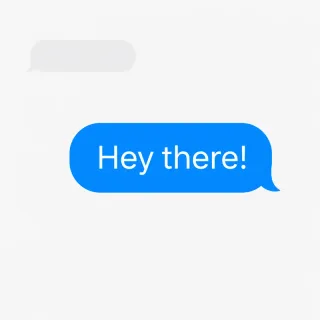
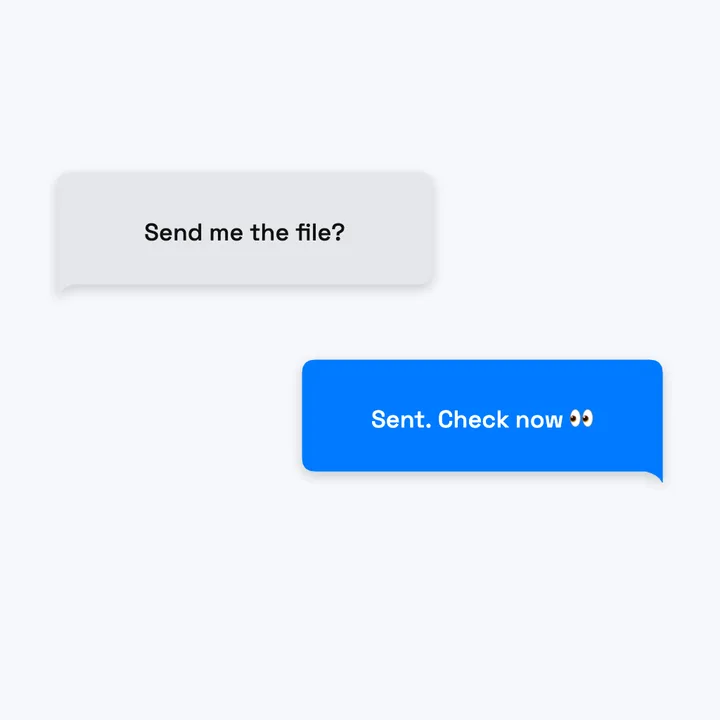 Chat Screenshots & UI Mockups Simulate iMessage and WhatsApp conversations for design and storytelling.
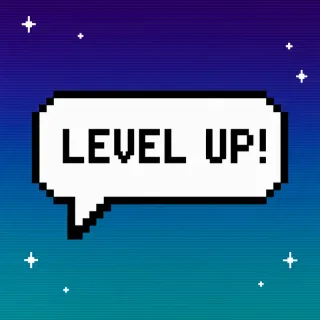
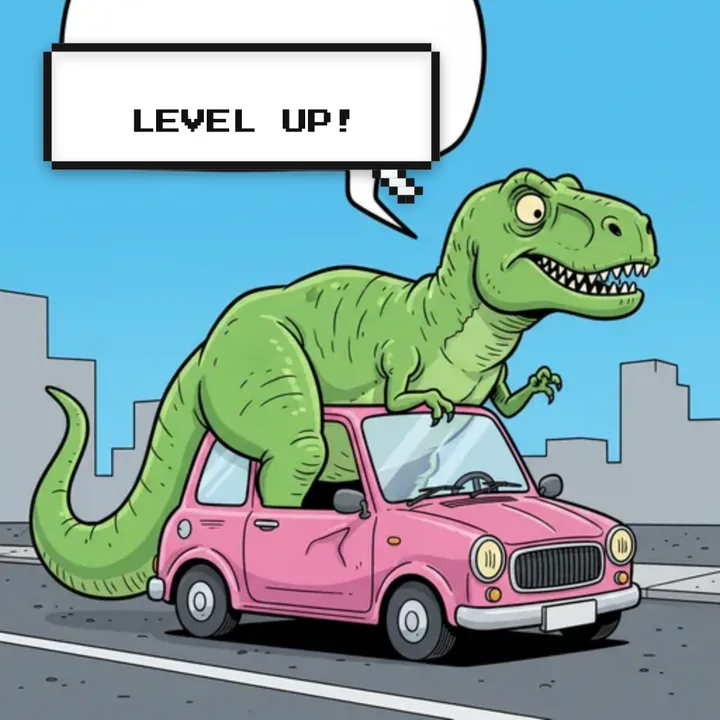 Gaming & Discord Servers Create retro pixel-art speech bubbles for emojis, stickers, and stream overlays.
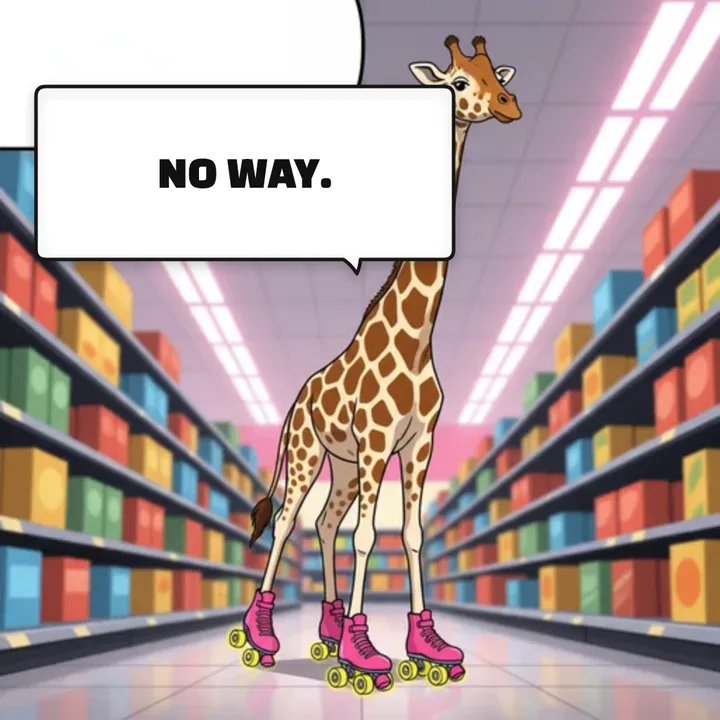 YouTube & Social Thumbnails Eye-catching thumbnails with bold speech bubbles that boost click-through rates.
Explore Specialized Speech Bubble Tools
- Add Bubble to Photo Upload a photo and place a speech bubble
- Speech Bubble Meme Generator Cropped bubble that blends with Reddit/Discord
- Thought Bubble Generator Cloud-shaped thinking bubbles & free PNGs
- Comic Bubble Generator Bold starburst and classic comic styles
- Pixelated Bubble Text 8-bit pixel art speech bubbles
- Anime Bubbles Speech bubbles for anime edits
- Manga Bubble Generator Manga text bubbles for panels
- Discord Speech Bubble Maker Sized for Discord emojis and stickers
- Customizable Chat Bubbles Free iMessage, WhatsApp & custom colors
- Fake Text Message Generator Make a fake iMessage-style conversation screenshot
- Text Bubble Generator Captions, labels, and callouts
- Blank Bubbles Empty bubble templates to download
- PNG Downloads Free speech bubble PNG images
Guides & Tutorials
Learn the workflows behind the generator, not just the tool itself.
- How to Add Speech Bubbles to Photos 5 practical workflows using online tools, Canva, Photoshop, and mobile apps. Getting Started
- 12 Types of Speech Bubbles Explained Understand when to use classic, thought, shout, whisper, pixel, and chat bubbles. Guide
- How to Make a Meme with Speech Bubbles A step-by-step walkthrough for Reddit, Discord, and reaction-image formats. Tutorial
- Discord Speech Bubble Meme Guide Sticker, emoji, and profile-picture workflows sized for Discord use cases. Discord
- How to Make Comic Strips from Photos Turn everyday photos into comic panels with dialogue, thought, and shout bubbles. Comic
- Speech Bubbles with Pure CSS Code examples for chat bubbles, thought clouds, and comic balloons. Code