Printable comic pages
Comic Book Templates
Free comic templates: six blank comic book page layouts and a cover to print on A4 or Letter, or to fill in online with photos and speech bubbles. No signup.
Printable Comic Book Page Templates (PDF)
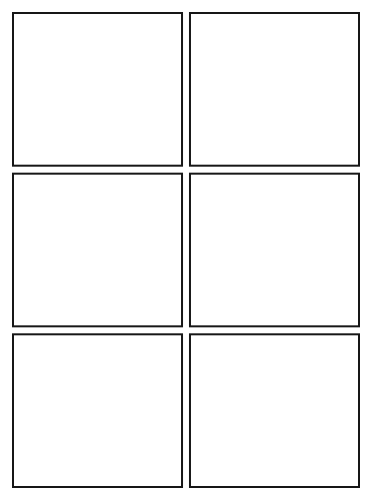
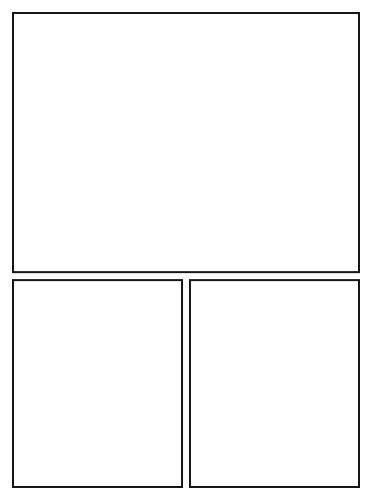
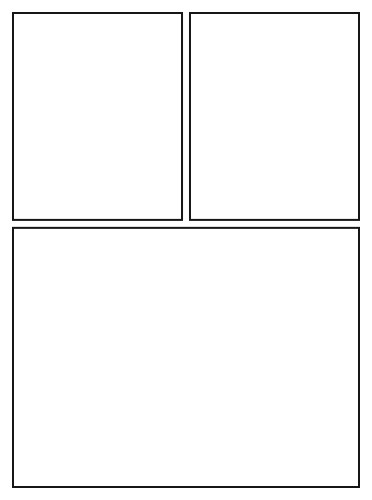
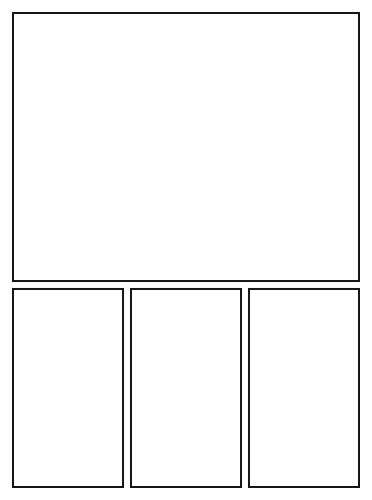
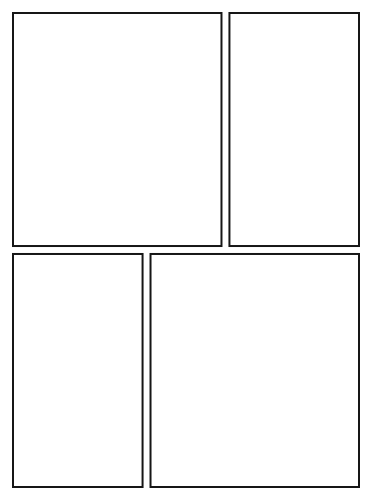
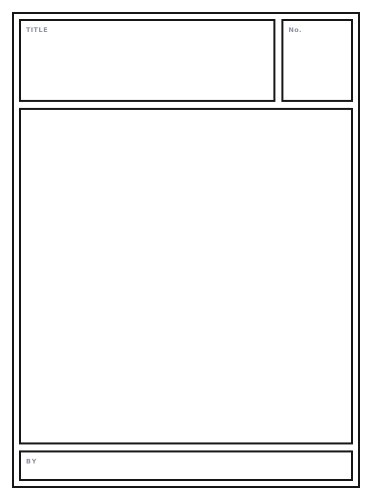
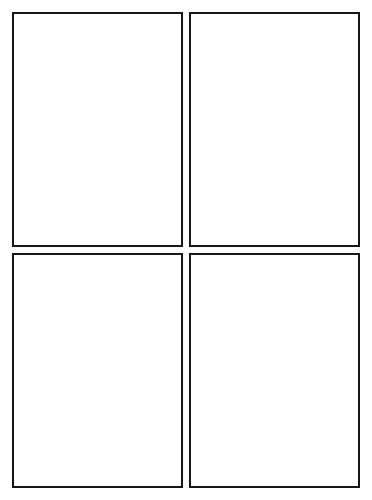
Each comic page template is one of the editor’s own page layouts, so a page you print and a page you fill in online have the same panels.
How to Use a Comic Book Template
Two ways: print a page and draw on it, or fill it in online with your own photos and speech bubbles.
Print it and draw
- Pick a page layout above and press A4 or Letter. The PDF downloads straight away.
- Print one sheet for each page of your comic at 100% (actual size), and the cover template for the front.
- Pencil the scenes, leaving room at the top of each panel for the speech bubbles, then ink and letter the page.
Fill it in online
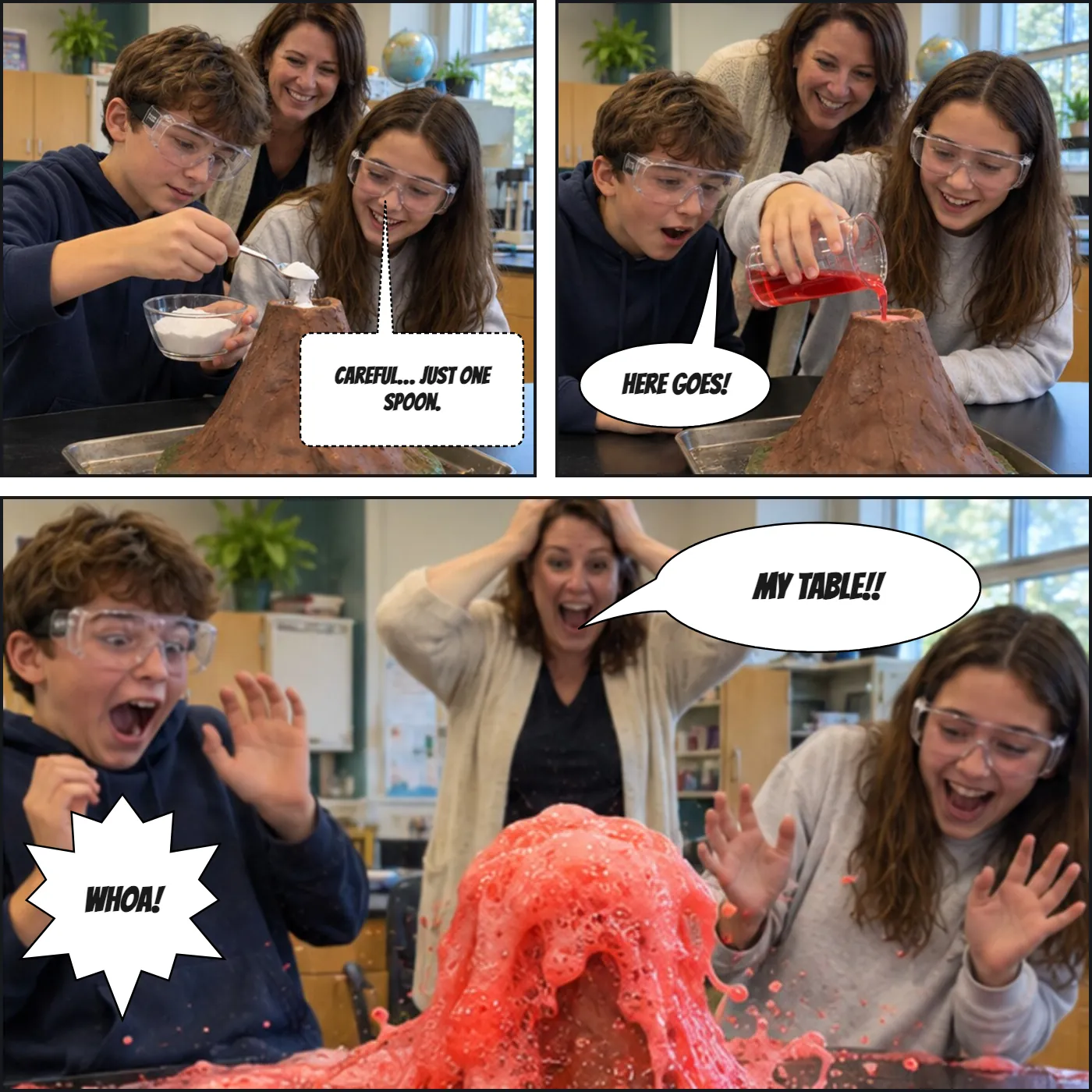
- Press Fill in online on a template. The editor below opens with the same panels.
- Pick a panel from the numbered tabs above the picture, then press Upload Photo or keep it blank.
- Press Add Bubble and type what the character says. Drag the bubble and its tail into place.
- Press Download PNG. The whole page downloads as one image, free and without a watermark.
Comic Book Page Examples
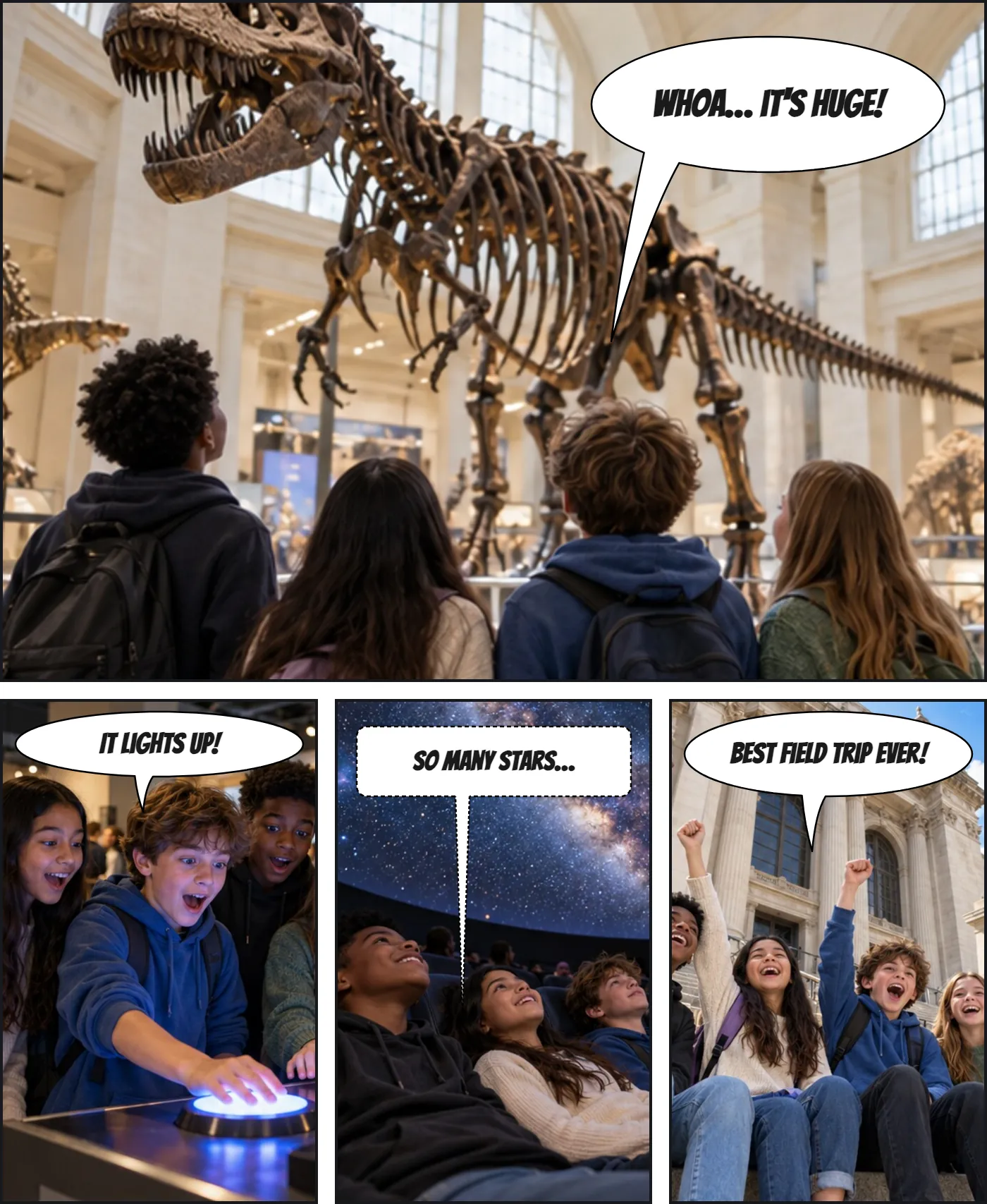
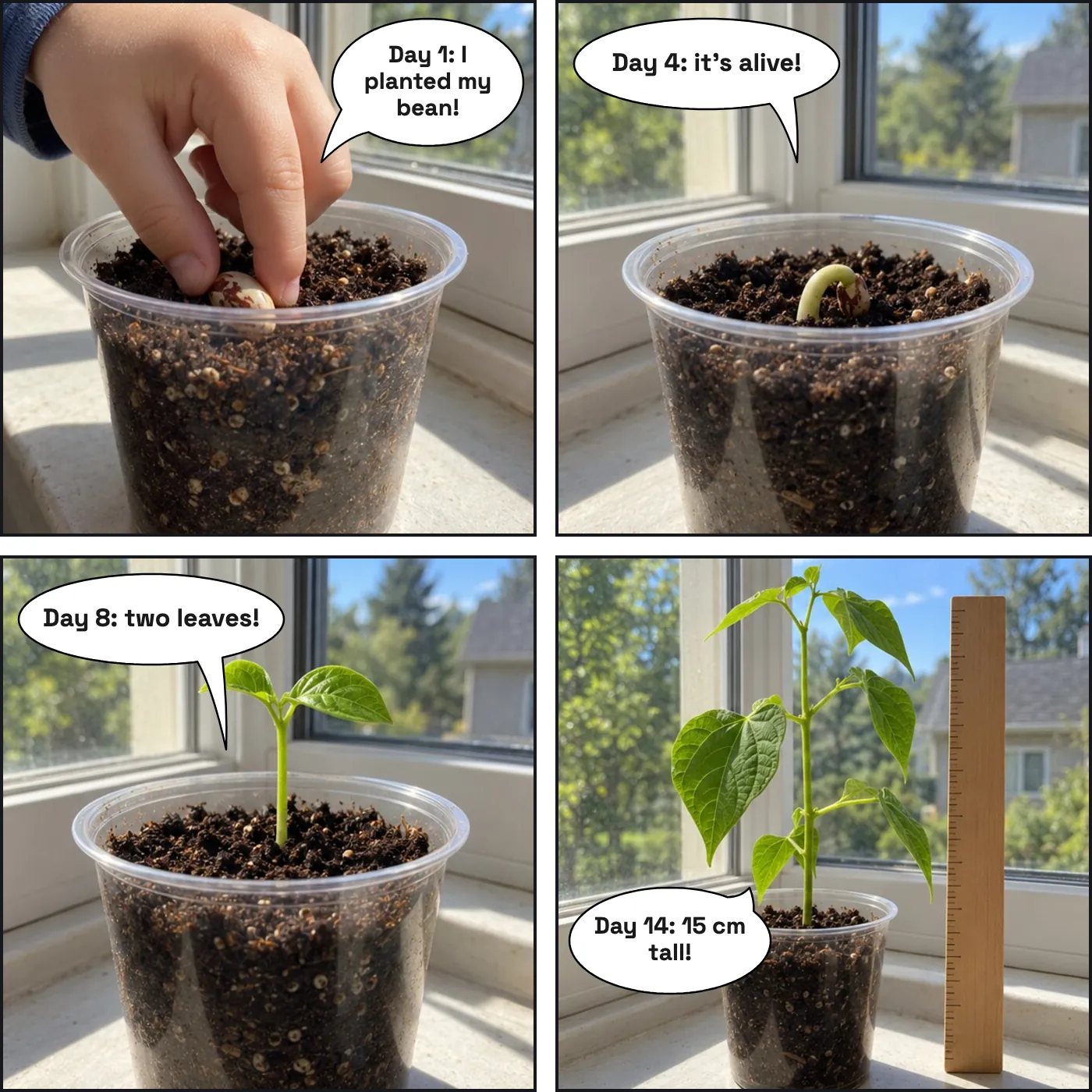
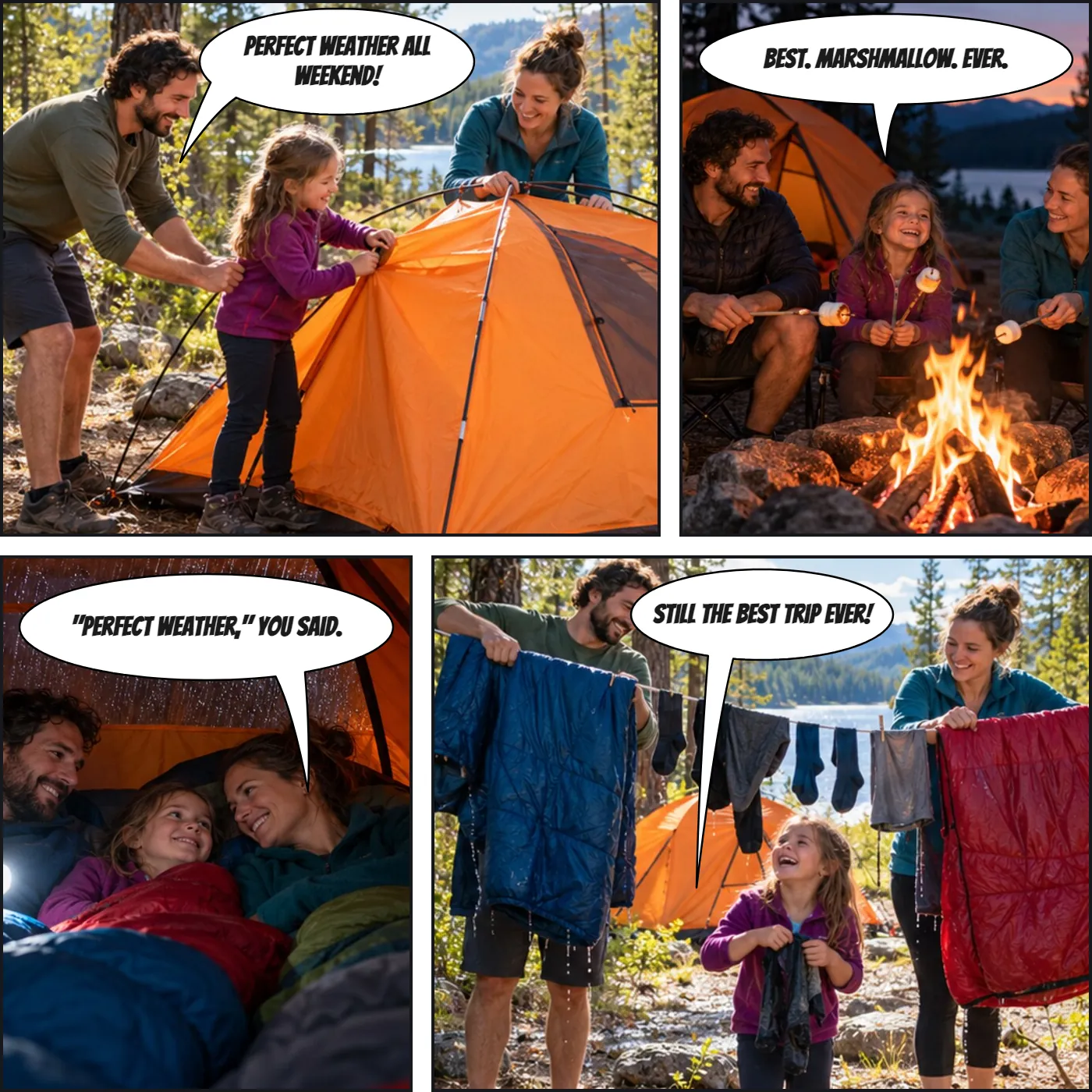
Each page below was made in the editor on this page, on the layout named under it. Press Fill in this template to start your own.
Fill In a Comic Page Online
The editor opens on the 2×2 page. Press Fill in online on any card to switch layouts, or pick one in the editor’s page layout options. Every panel takes its own photo and speech bubbles, and the page downloads as one image.
Upload a photo
Download the bubble on its own as a transparent PNG, or upload a photo to put it on.
Bubble Style
Text
Font
Size
Colour
Appearance
Comic pages
Manga pages
Reading order
Title
FilledOutlinedOutline Only
Custom colours
Tail Direction
Double-click or double-tap a bubble to type in it. Drag the red dot to aim the tail at the speaker. The handles resize and rotate.
How to Plan a Comic Book Page
A comic layout template draws the panel borders; what goes in them is up to you. Decide what the page has to say before you pick its panels. One page is usually one scene, or one turn in a scene. Give the most important moment the biggest panel: an arrival, a reveal, a place the reader should remember. Small panels move time quickly; a wide panel slows it down.
English comics read left to right, then down, a row at a time. Keep the rows clear so the eye never has to guess which panel comes next, and leave space at the top of each panel for the speech bubbles, which are read in the same order. The guide to speech bubble types covers what each balloon shape tells the reader.
The splash on top and opening panel pages lead with the big moment; the splash below page saves it for the end of the page, where a page turn can follow. The staggered page breaks the grid without breaking the reading order.
Comic Book vs Comic Strip Templates
A comic strip is one row or column of panels, read in a line, often a single joke. A comic book page fills a sheet with panels of different sizes and is one part of a longer story. For newspaper style strips, 2 to 6 panels, use the comic strip templates. For right-to-left manga pages with slanted panels, use the manga panel templates.
More tools:
Frequently Asked Questions
Are the comic book templates free?
Yes. All seven PDFs, the six page layouts and the cover, are free to download and print, with no signup and no watermark, for personal and classroom use.
Which comic panel template is best for a beginner?
The 2×2 grid. Four equal panels keep the reading order obvious, so you can think about the story instead of the layout. Move to the splash and opening-panel pages when a moment deserves a big panel.
Can I make a whole comic book with these?
Yes. Print the layouts you need, one sheet per page, and staple them behind the cover. Mixing layouts from page to page keeps the reader turning: a grid for conversation, a splash for the big reveal.
Can I use these as a graphic novel template?
Yes. A graphic novel is a long comic book, so the same page layouts work: print one sheet per page and mix them, a grid for conversation and a splash for the big moments, with the cover template on the front.
Can I fill in a comic page online?
Yes. Press Fill in online under a layout and the editor below opens with the same panels. Add a photo to each panel or keep it blank, add speech bubbles, and download the page as one PNG. Comic page layouts are free in the editor.
What size do the PDFs print at?
A4 or Letter, printed at 100% (actual size), with a margin all round for home printers. For a printed comic book the industry works larger and scales down; for drawing practice and school projects, A4 and Letter are what you need.
Can I sell a comic I drew on these templates?
A comic you drew is your own work. Selling the blank templates themselves is not allowed. Commercial use of what you export from the editor comes with Pro; the licence page explains the difference.