Printable Templates
Printable Speech Bubble Templates
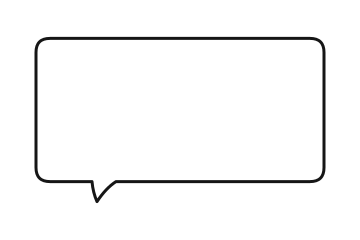
6 speech bubble shapes as SVG and PNG, plus A4 and Letter PDF sheets to print for your class. Free for personal and classroom use, no signup.
Speech Bubble Templates to Download (SVG & PNG)

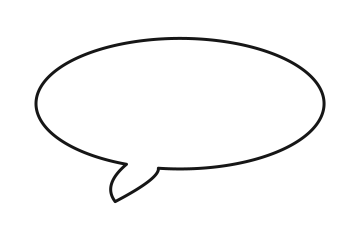
Round speech bubble template

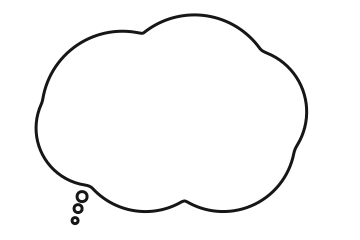
Thought speech bubble template

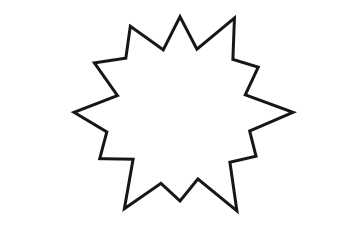
Shout speech bubble template

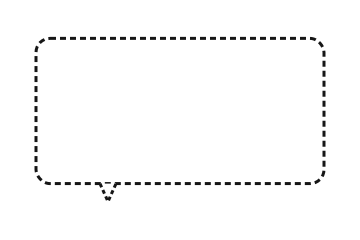
Whisper speech bubble template

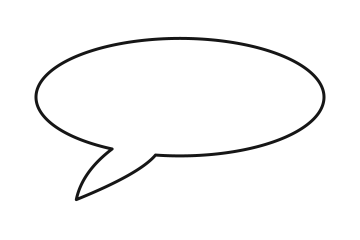
Anime speech bubble template

The SVG and PNG files carry no watermark. Edit puts the shape in the editor below, ready for your words.
Printable Speech Bubble Template PDFs (A4 & Letter)
All six bubbles on one page, sized for handwriting. Print a lined sheet for writing practice or a plain one for drawing and longer dialogue — print it for your class, then cut the bubbles out or fill them in on the page.
Editable Speech Bubble Templates
Use the editor to design your own speech bubble template. Choose a style, set your colors, and download. Every template is fully customizable — press Edit on any shape above to start from it.
Upload a photo
Download the bubble on its own as a transparent PNG, or upload a photo to put it on.
Bubble Style
Text
Font
Size
Colour
Appearance
FilledOutlinedOutline Only
Custom colours
Tail Direction
Double-click or double-tap a bubble to type in it. Drag the red dot to aim the tail at the speaker. The handles resize and rotate.
Template Categories
Comic Book Templates
Classic and Shout styles with bold black outlines. Perfect for comic strips, graphic novels, and sequential art.
classicshoutround
Manga & Anime Templates
Clean rounded bubbles and dramatic shout bursts inspired by Japanese manga. Add dialogue to fan art and anime edits.
classicroundthoughtshout
Meme Templates
Speech bubbles optimized for meme creation. Upload a meme photo, add your text, download and share instantly.
classicshoutpixel
Presentation Templates
Clean, professional text bubbles for PowerPoint, Keynote, and Google Slides. Add callouts and annotations to your slides.
classicroundchat
Gaming & Discord Templates
Pixel-art and retro-style bubbles for Discord emojis, gaming content, and Twitch stream overlays.
pixelshoutchat
Chat & Messaging Templates
iMessage and WhatsApp-style bubbles for creating fake conversation screenshots and UI mockups.
chatclassicround
How to Use Templates
1
Pick a Template
Download a shape or a PDF sheet above, or press Edit to start in the editor.
2
Customize
Change bubble style, fill and outline colors, tail direction, and text.
3
Add Your Photo
Upload a background image or use a solid color for standalone bubbles.
4
Download
Export as high-resolution PNG. Use in Canva, PowerPoint, or any app.
More tools:
Learn more:
Frequently Asked Questions
What file formats are the templates in?
Each shape comes as an SVG outline and as a 1440 × 960 transparent PNG, and all six print together on A4 or Letter PDF sheets, lined or plain. Anything you make in the editor downloads as a PNG.
How do I print a speech bubble template?
Download the A4 or Letter PDF and print it at 100% (actual size). Each sheet holds six bubbles sized for handwriting. The lined sheet has light ruled lines inside every bubble for writing practice; the plain one leaves room for drawing or longer dialogue.
What is the difference between the SVG and the PNG?
The SVG is a vector outline, so it stays sharp at any size and opens in Illustrator, Inkscape, Canva and cutting-machine software. The PNG is a transparent image for slides, documents and photo apps. Neither file has a watermark.
How do I customize a speech bubble template?
Press Edit under any template and it opens in the editor on this page, ready for your words. Change the bubble style, fill and outline colors, tail direction and text in real time, drag to reposition, then download.
Can I create multi-bubble templates?
Yes. Click "Add Bubble" multiple times to add several bubbles to the same canvas. Each one can have its own style, color, text, and position — great for dialogue scenes and comic panels.
Can I use these templates in my classroom?
Yes. Print as many copies as your own class needs, or put a bubble into a lesson slide or a worksheet you hand out. The templates are free for personal and classroom use, with no signup.
Can I sell worksheets made with these templates?
Selling a worksheet you wrote is commercial use, which Pro's licence covers. Selling the blank templates themselves, or a printable buyers can pull the bubbles out of, isn't allowed — ask us first. See the licence page.
Can I save templates and reuse them later?
The editor keeps your work in this browser as a draft, so it is still there when you come back on the same device. For ready-made layouts with sample text, check our pre-built presets on the Templates gallery page.
Do the templates include fonts?
The SVG, PNG and PDF templates are blank, so you add your own lettering by hand or in your design app. In the editor you can choose from five bubble fonts, including comic, handwritten and marker styles. See our guide on the best speech bubble fonts for recommendations.
Are these templates different from the main generator?
The downloads here are blank outlines to print or drop into a document. The editor on this page is the same one as the main generator, with every style — use whichever starting point feels easier.