What is a speech bubble meme generator?
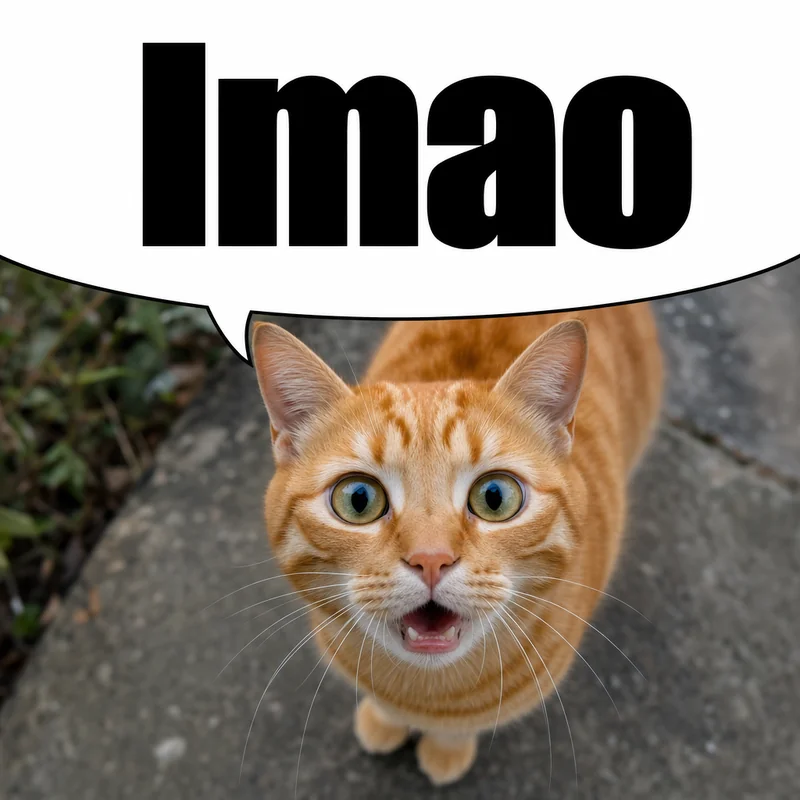
A tool that turns any image into the speech bubble meme you see in Discord servers and Reddit threads: a cropped white bubble sits over the top of the picture, so the character looks like they are saying whatever message or comment is above it. Upload a photo, drag the bubble, and download it as a GIF for Discord or a PNG for Reddit. Some people call the format a speech meme or a bubble meme; it is the same thing.
Should I download the speech bubble meme as a GIF or a PNG?
GIF for Discord, PNG for Reddit. Discord only lets you star a GIF into your favourites, so a GIF is the version you can reuse as a one-click reply from the GIF picker. Reddit image replies are happiest with a PNG: lossless, full colour, and transparent where you want it. This page defaults to GIF; switch the format next to the Download button any time. JPG and WebP are there too.
How do I add a speech bubble meme to my Discord GIF favourites?
Download the meme as a GIF, post it in any channel or DM, then hover over the image and click the star. From then on it lives in your GIF picker under Favorites, so you can reply with it anywhere without uploading it again. This works with a single-frame GIF; no animation needed.
What image formats can I upload?
Anything your browser can open: JPEG, PNG, WebP, GIF (the first frame is used), BMP, AVIF and SVG. Screenshots pasted from a phone or a Discord message work as they are. Very large photos are scaled to 1400px on the long side so the download stays quick to post.
What is speech bubbling on Reddit?
Speech bubbling is a meme format where you overlay a cropped white speech bubble on an image. When posted on Reddit (or Discord), the white area blends with the page background, making it look like the character is "saying" whatever text appears above the image.
How do I make a Reddit speech bubble meme?
Upload a photo, and a meme-style bubble appears automatically. Drag it up or down to control how much of the image is hidden. The tail points at the character. Pick PNG next to the Download button and click it — the white area will blend with Reddit's white background.
Why is the bubble empty — can I add text?
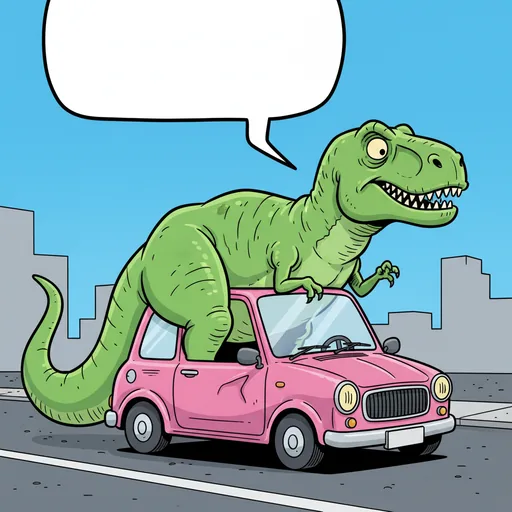
The Meme style is intentionally empty. That's how the format works: the "speech" comes from the Reddit comment or Discord message above the image. If you need text inside the bubble, switch to Classic, Shout, or any other style.
Does it work on Reddit dark mode?
The illusion works best on white/light backgrounds (Old Reddit, some mobile apps). On dark mode, the white bubble is visible as a shape — which some people use as a stylistic choice.
Can I use speech bubble memes on TikTok or Instagram?
Yes. Download the PNG, then use it as a static post, story sticker, slideshow image, or opening frame in a short video. For video editing, import the PNG into TikTok, CapCut, or any editor as an image layer.
Does it work on iFunny, Imgur, and other meme sites?
Yes. The PNG works anywhere images are accepted. The white-background illusion is strongest on light themes, but the image still reads as a cropped speech bubble on dark themes.
Is this free? Is there a watermark?
Completely free, no watermark, no signup. Your image is processed in-browser and never uploaded to any server.
Is this a meme generator with speech bubble overlays, or a PNG download?
Both, and they work together. Use it as a speech bubble meme maker: upload your photo, drag the cropped bubble where you want it, and export the finished image. Or skip the editor and download a blank transparent speech bubble meme PNG from the gallery, then paste it over a photo in Canva, Photoshop, or CapCut yourself.
Do you have a transparent speech bubble PNG for dark mode?
Yes. The gallery includes a Discord dark-mode grey (#313338) version and a solid black silhouette alongside the classic white ones, so the bubble blends on dark servers and dark-theme apps as well as it does on light backgrounds. All of them are transparent PNGs.
What subreddits are best for speech bubble memes?
r/memes, r/shitposting, r/dankmemes, r/me_irl, r/196, and r/okbuddyretard are popular choices. Niche fandom subs (anime, gaming, TV shows) also love this format.
What size should a Discord speech bubble emoji or sticker be?
A custom emoji is 128×128 px and under 256 KB; a sticker is exactly 320×320 px, under 512 KB, as PNG or APNG. Download the PNG here, then resize it in squoosh.app or any image editor before uploading it under Server Settings → Emoji or Stickers.
Can I put a speech bubble on a Discord profile picture (PFP)?
Yes. Right-click the avatar in Discord, choose "Save Image As", upload it here and drag the bubble over it. The download works as a reply GIF, an emoji image or a PFP of your own.
Do I need Discord Nitro to upload a speech bubble emoji?
No. Anyone with the Manage Emojis permission can upload emojis to a server for free. Nitro only lets you use them across servers.
I do not have a picture. Can AI make one?
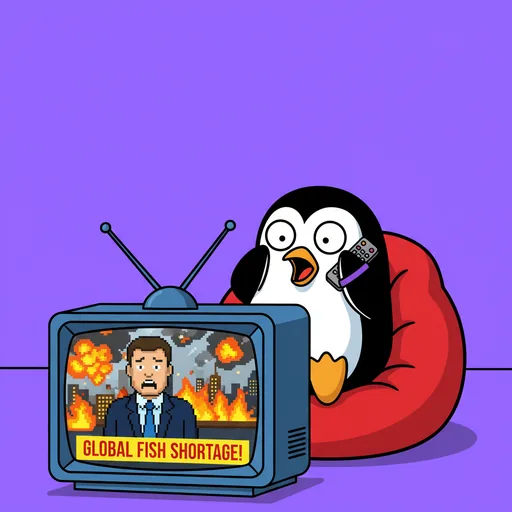
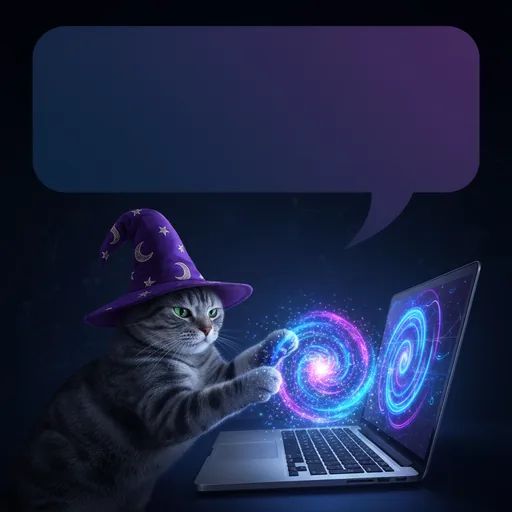
Yes. Describe the scene in the AI meme generator on this page (a character, what they are doing, the mood) and it draws a meme-style image in about 5–10 seconds, with the meme bubble already on top. Each visitor gets 3 free AI images a day, no signup; uploading your own photos stays unlimited.
How do I write a good AI meme prompt?
Be specific: the subject, what it is doing, and the mood or setting. "A confused cat staring at a computer screen" works better than "cat meme". Prompts about real people, hate or explicit content are refused by the model's safety filters.